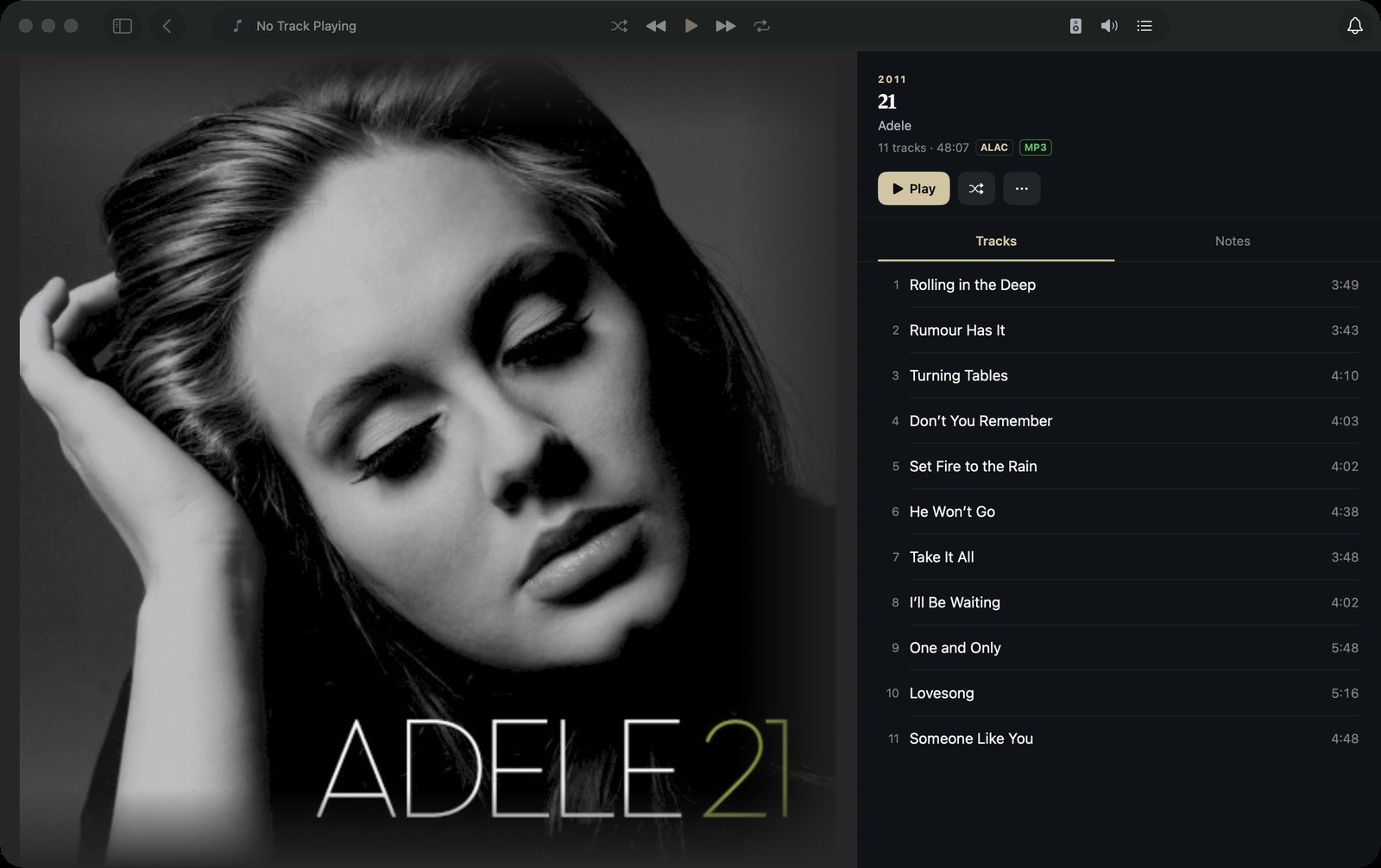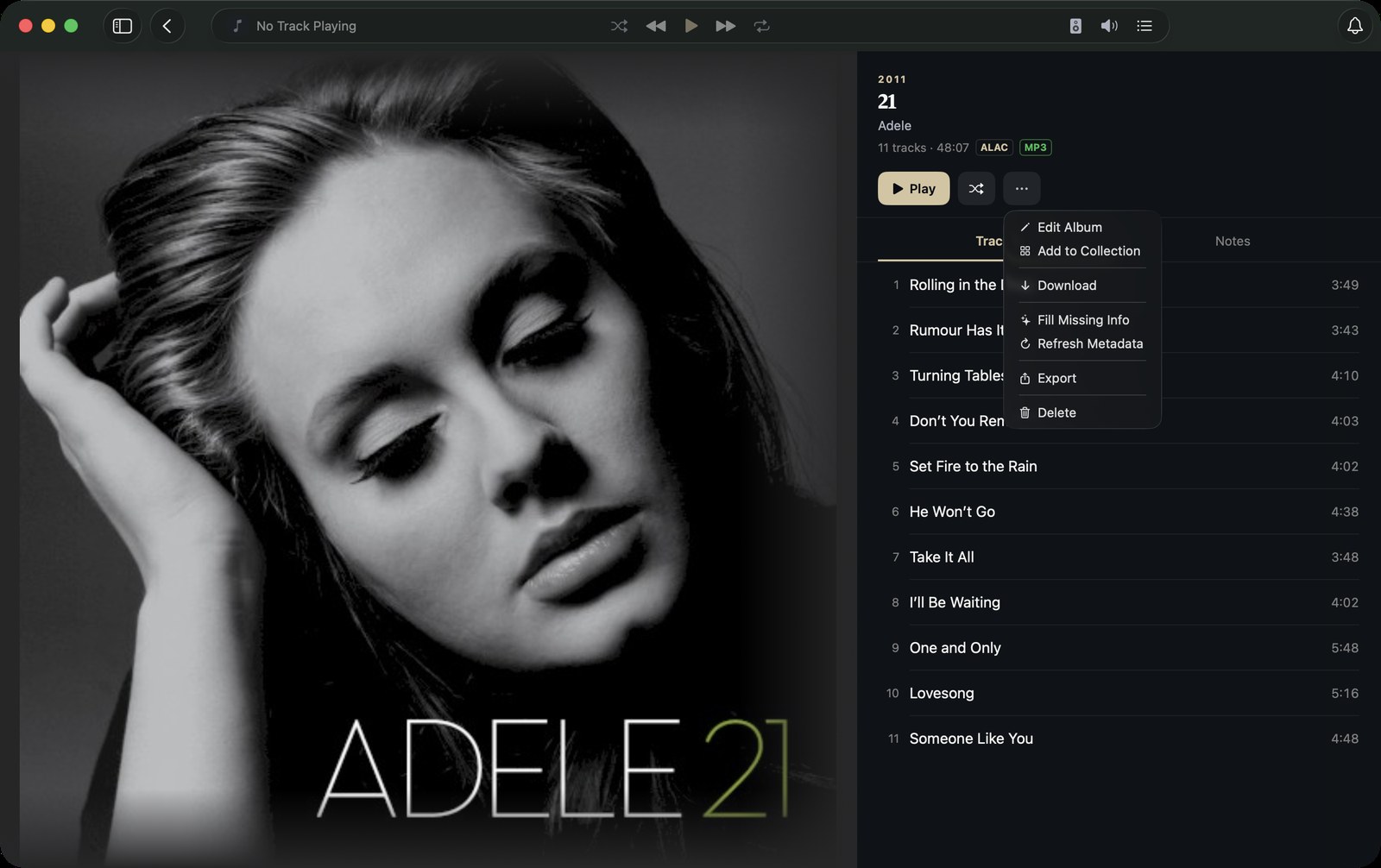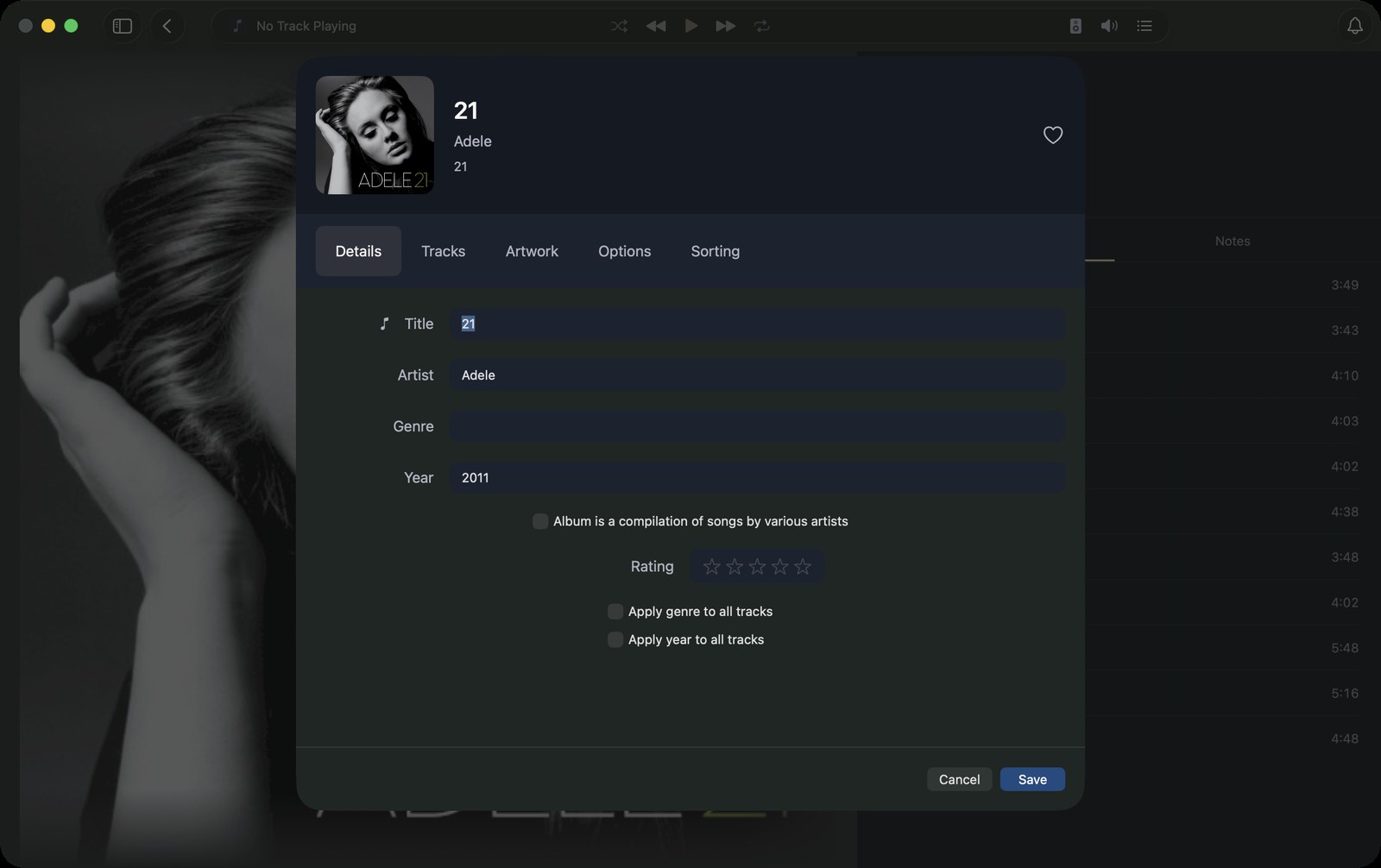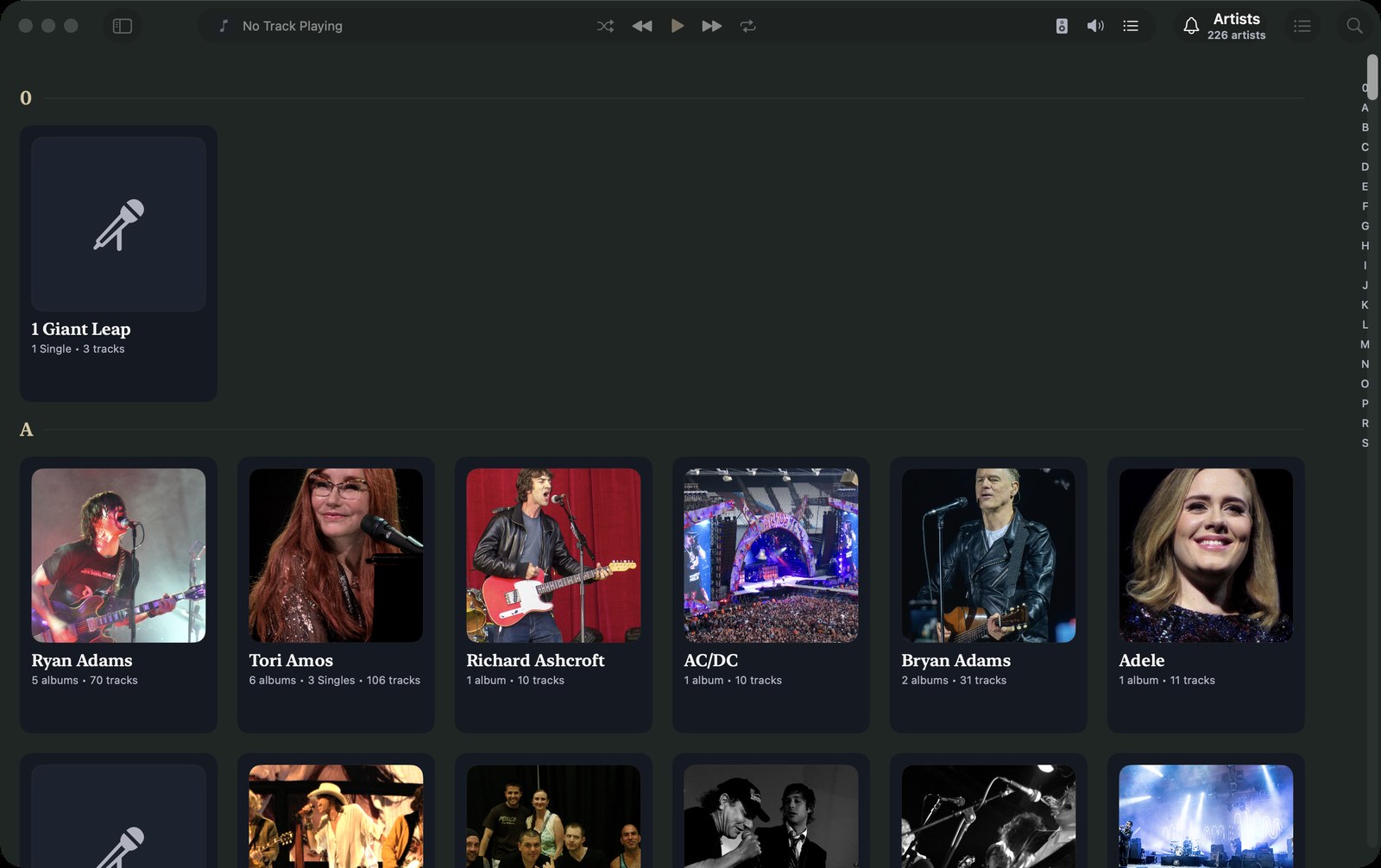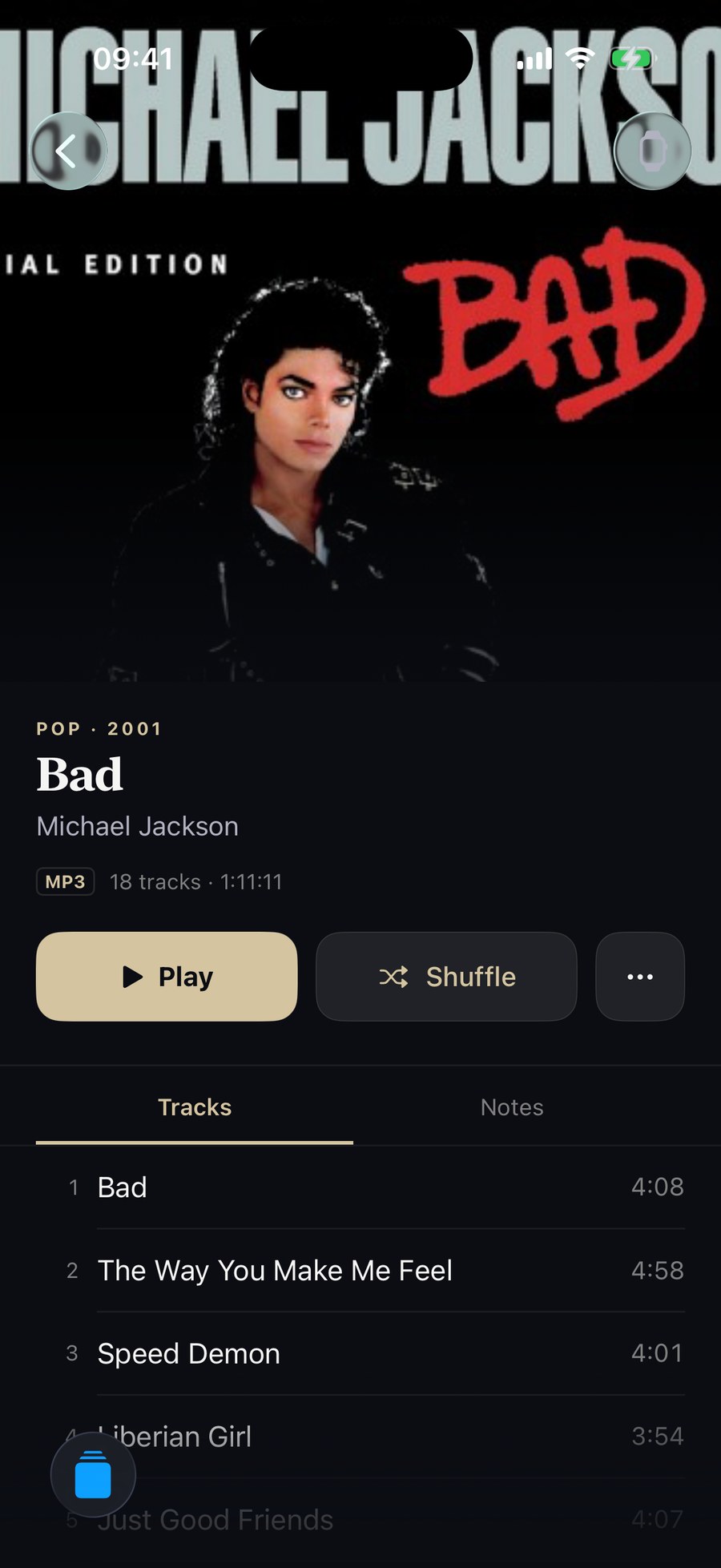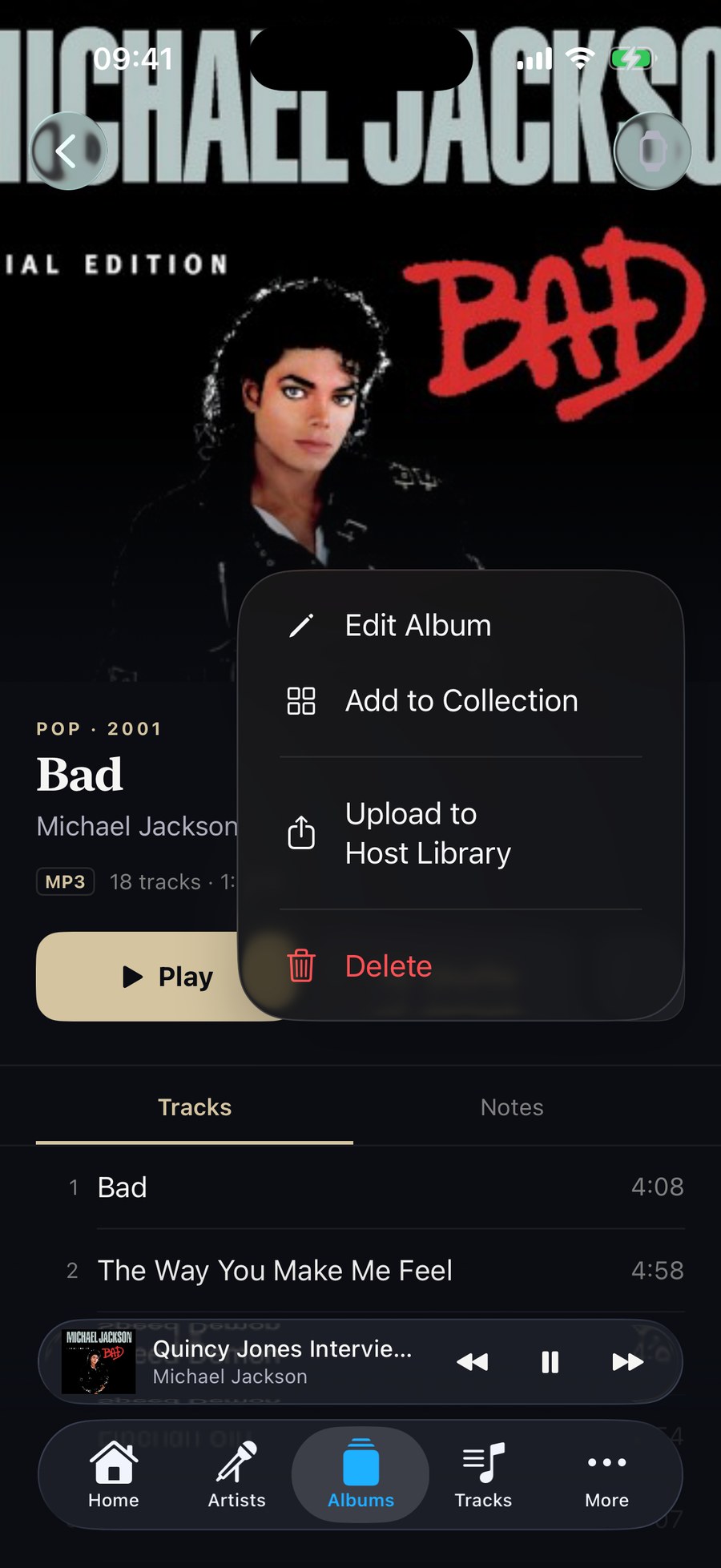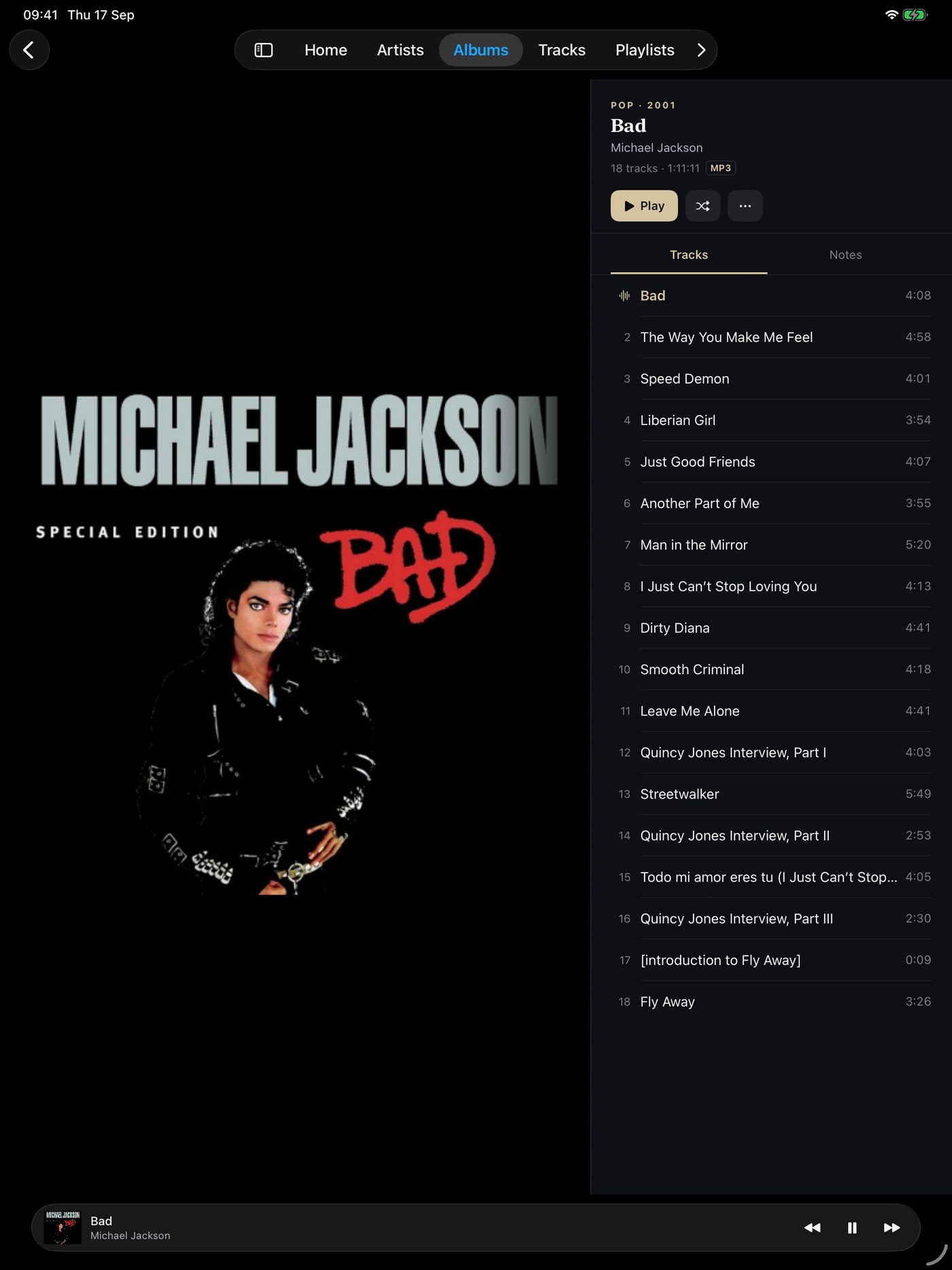
Metadata and artwork
Metadata only disappears when it is already right. Kanora gives you direct tools for the corrections collectors actually make.
Track, album, artist, and bulk editors help you clean up a collection without blind automatic changes.
Recording brief
Select two or three albums, open the bulk editor, change a genre field, and show the live preview before confirming. Then open a single album, use artwork comparison to review and swap a cover. Show that nothing changes without review.
What you can do
Correct album-wide fields, adjust disc and track numbering, tidy genres, compare artwork, and apply a change across a selection.
Kanora shows the shape of a bulk edit before it commits, so you can catch mistakes before they spread.
Why it matters
Bad metadata turns a collection into search work. Split artist names, wrong artwork, and loose genre tags make the library harder to browse.
A useful editor is exact. You should understand what will change before the app writes anything back.
Status
Album editing, artwork maintenance, and bulk correction are already broad. The remaining work is making every edit carry cleanly back to the source files.
CD ripping
CD imports include MusicBrainz lookup, artwork fetching, release selection, duplicate warnings, and multi-disc handling.
Analog to AirPlay
Live input monitoring with device selection and routing, aimed at letting a physical source move through the same playback system as the rest of your library.
DLNA and AllPlay speaker support
DLNA, UPnP, and AllPlay-era speaker support helps useful network audio hardware stay in your setup.