Apple Watch player
Kanora on Apple Watch started as a practical companion for the iPhone and has grown into a local player for music you choose to take with you.
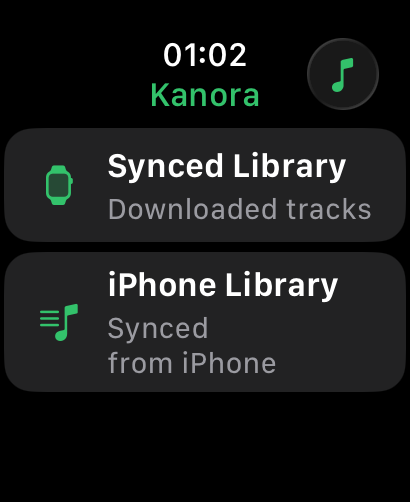
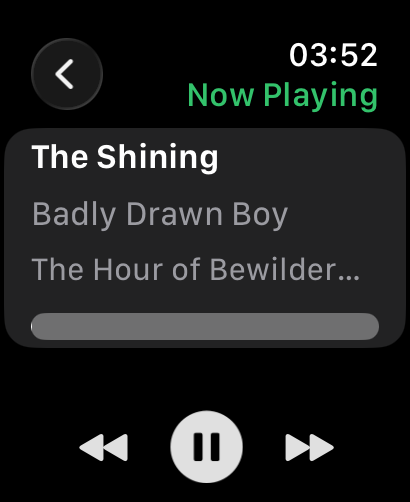
Apple Watch support covers companion control, Watch sync management from iPhone, local playback from Watch storage, Cover Flow browsing, and Now Playing complications.
Recording brief
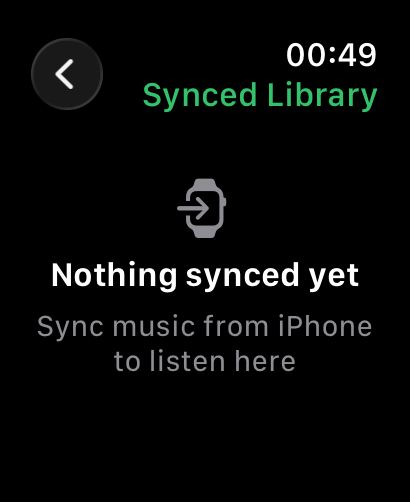
Show the iPhone sending an album to the Watch, the sync screen reporting progress, the Watch browsing synced albums in Cover Flow, and local Now Playing on the wrist. Keep the story practical: choose music, send it, leave the phone behind.
What you can do
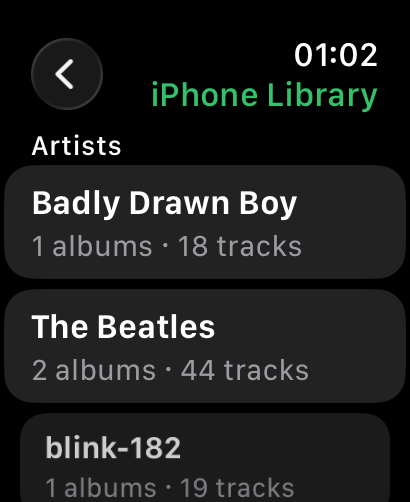
Use the Watch as a small, accurate control surface for the iPhone when the phone is nearby, including Now Playing state, playback controls, and library browsing from the wrist.
Send selected albums, playlists, and tracks from the iPhone to the Watch, then play that music locally from Watch storage through headphones when carrying a phone is more nuisance than help.
Browse synced albums with Cover Flow, use touch or the Digital Crown, and return to Now Playing from the watch face through Kanora complications.
Why it matters
The Watch has enough storage and enough presence on the body to be useful for music, but only when the app respects what the device is good at: short interactions, glances, workouts, walks, runs, hikes, and moments where the phone can stay behind.
For Kanora, the important point is that the Watch is not a streaming accessory. It can carry a selected slice of a library you own, play it locally, and still act as a remote when the iPhone is the better playback device.
Status
This is in development. The core shape is now present across companion control, sync management, local playback, Cover Flow, and complications, while UX polish and physical-device validation remain active work.
The next pass is about making storage decisions, transfer failures, and the small Watch screens clearer without turning the Watch into a cramped version of the iPhone app.
CD ripping
CD imports include MusicBrainz lookup, artwork fetching, release selection, duplicate warnings, and multi-disc handling.
Metadata and artwork
Track, album, artist, and bulk editors help you clean up a collection without blind automatic changes.
Analog to AirPlay
Live input monitoring with device selection and routing, aimed at letting a physical source move through the same playback system as the rest of your library.