
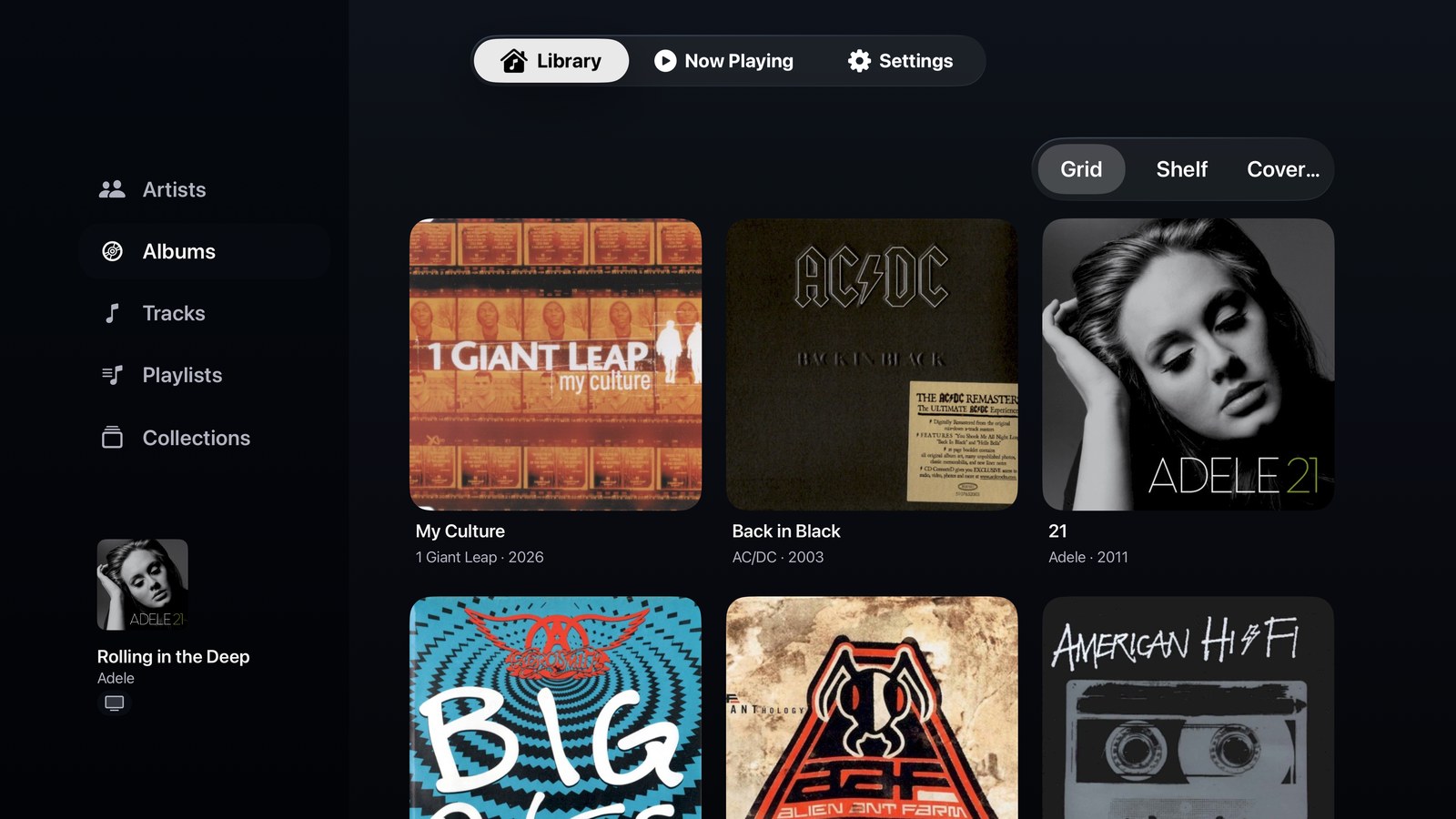
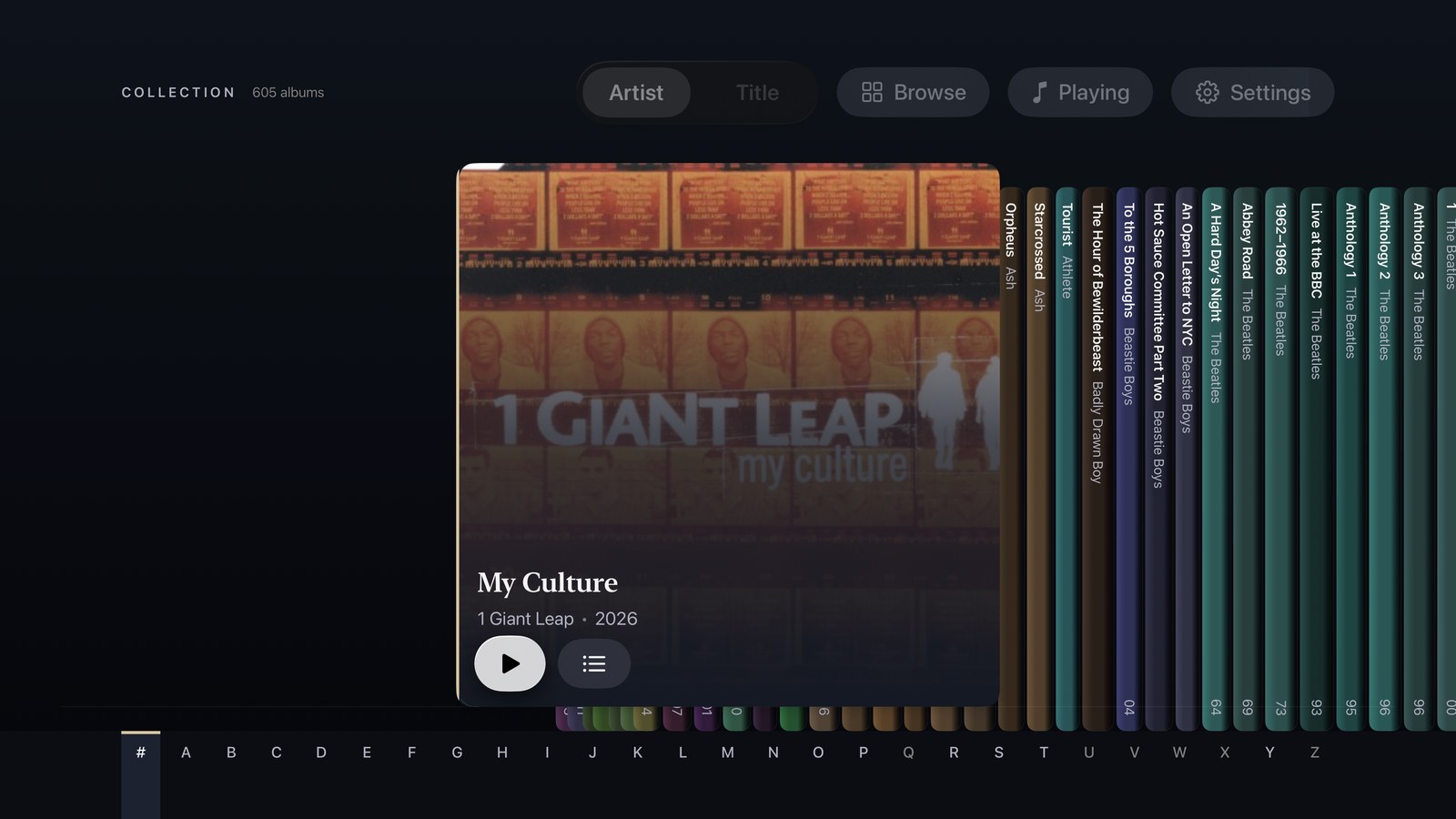
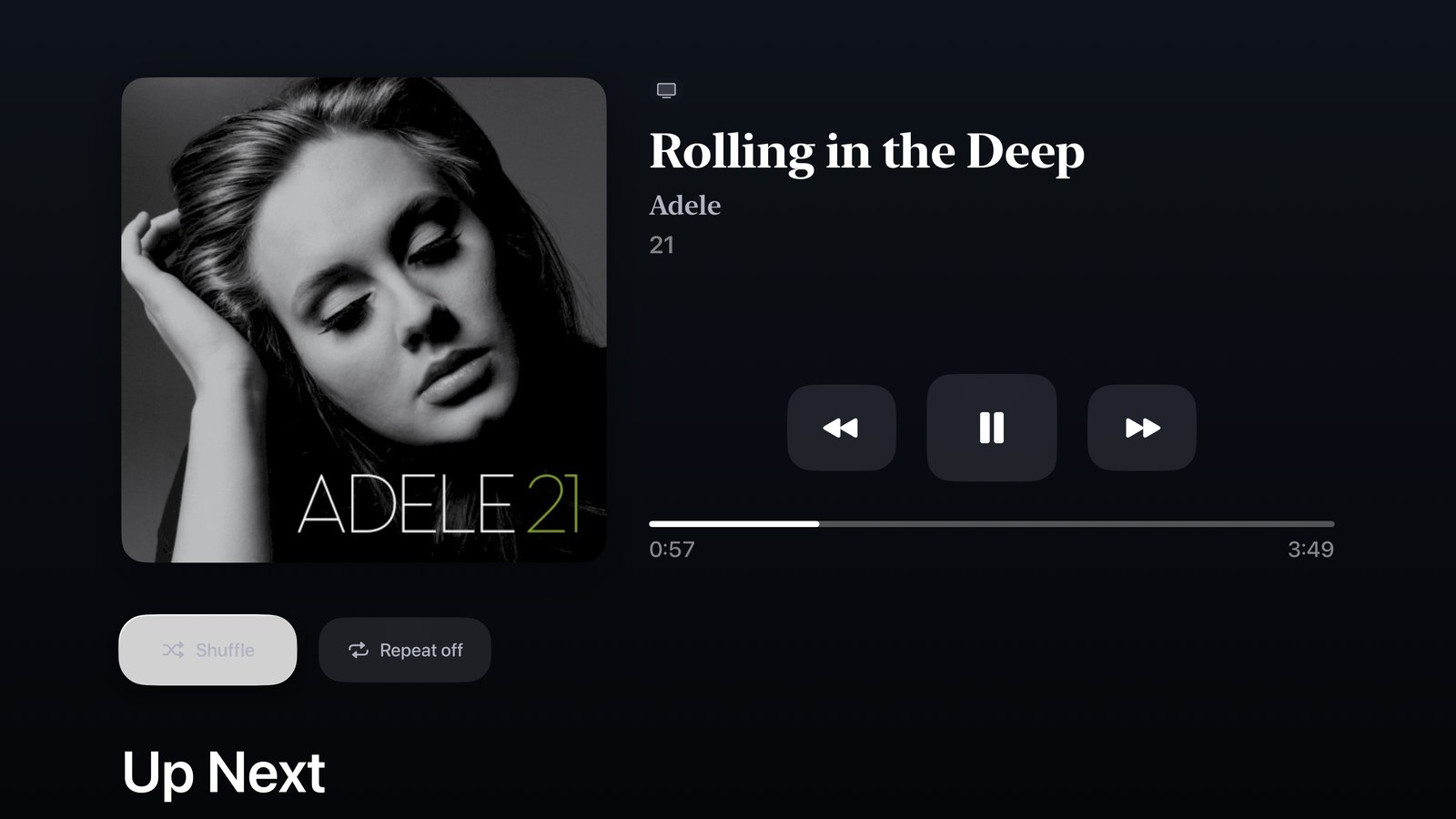
The Mac’s library, on the big screen.
The Apple TV app has no library of its own. It finds the Mac on your home network, pairs with a short code, and browses the Mac’s library.
You choose how it plays the first time you open it, and can change it later in Settings. Play on Apple TV streams from the Mac and plays through the TV. Control Mac leaves the Mac playing through whatever it is plugged into, and makes the TV the remote.
What you can do with Kanora for Apple TV.
Browsing
- A home screen with your Shelf, artists, albums, tracks, playlists and collections, and how many of each.
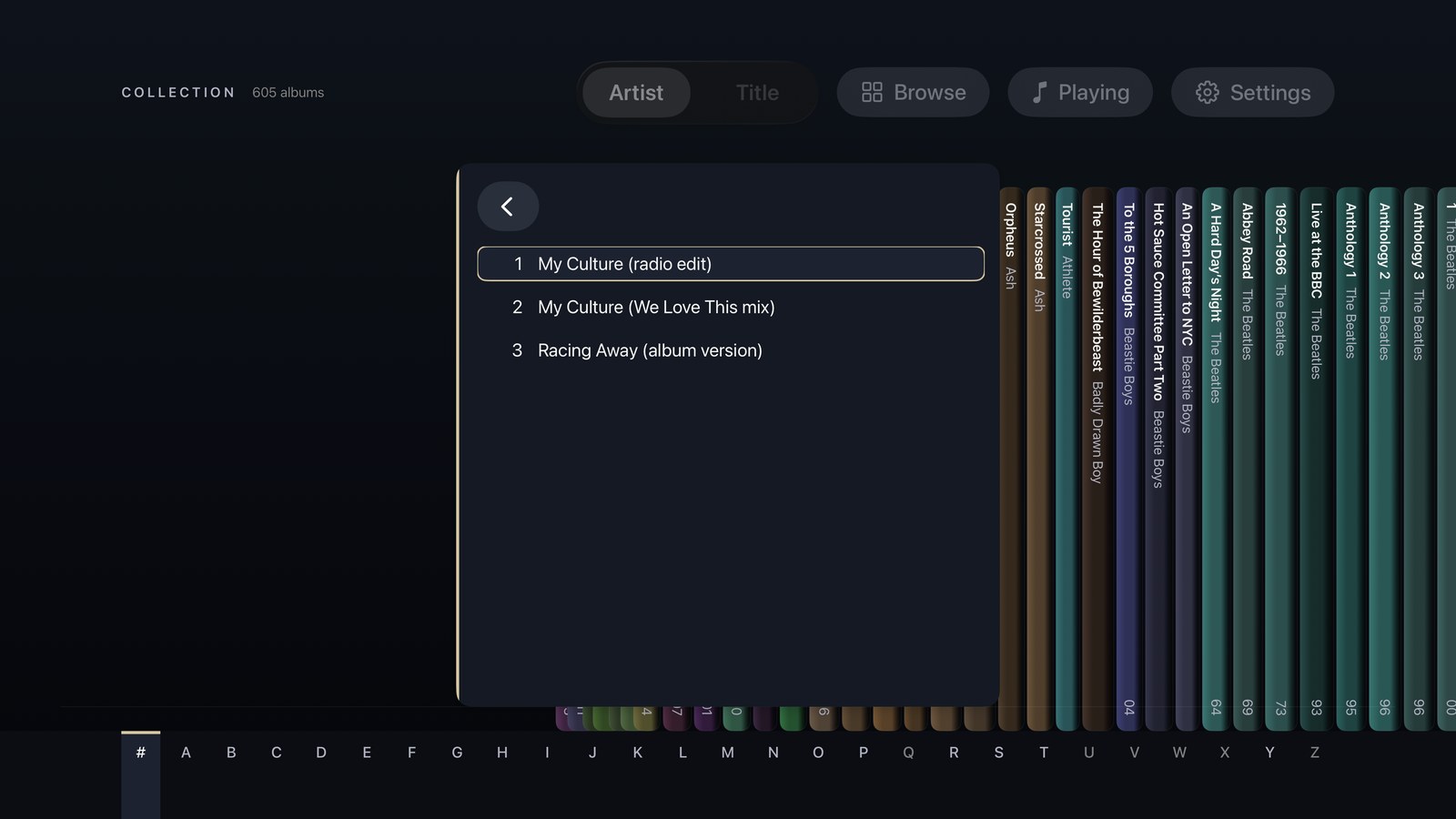
- Albums as a grid, or as a Shelf of spines with an A to Z jump.
- Move around with the Siri Remote. The Back button (Menu on older remotes) steps back one screen at a time.
Two ways to play
- Play on Apple TV: streams from the Mac and plays through the TV, with the system Now Playing controls.
- Control Mac: the Mac keeps playing to your hi-fi, and the TV shows what is playing and controls it.
Now Playing
- Previous, play and pause, next, shuffle and repeat.
- The next five tracks, under Up Next.
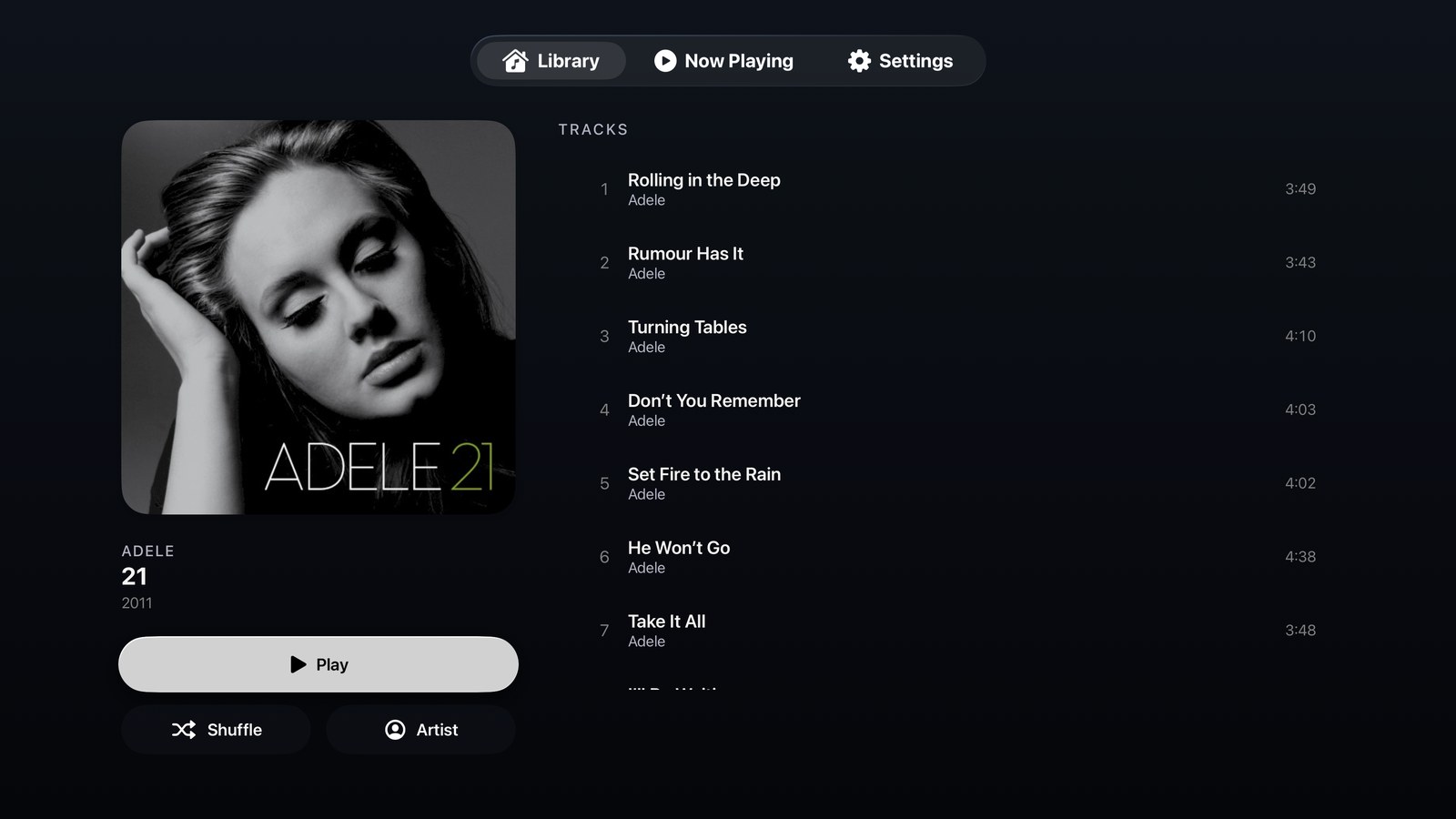
More of what it looks like today.
Screenshots of the current build. Details may change.
What it doesn’t do yet.
Better to read it here than find out after you install it.
- There is no search yet.
- Cover Flow does not work with the Siri Remote yet.
- It cannot change the Mac’s volume or choose where the Mac plays.
- Tracks under Up Next cannot be selected yet.
- In Control Mac, the remote’s Play/Pause button does not control the Mac yet.
- No Recently Added or Recently Played on the home screen, and nothing live on the Top Shelf.
Kanora on your other devices.
Mac
Apple Silicon and Intel Macs
Where the library lives: rip CDs, record vinyl, fix the details, and share it with your other devices.
iPhone & iPad
iPhone, iPad and CarPlay
A library of your own on the device, the Mac’s whole collection at home, and your albums in the car.
Apple Watch
Apple Watch, with an iPhone
Control the iPhone from your wrist, or sync music to the Watch and play it there.
Android
Android phones
A library of your own on the phone, and your Mac’s whole collection over your home network.