Works on its own. Better with a Mac.
Import files or whole folders and Kanora copies them into a library on the phone. There is no account to make.
Pair it with a Mac running Kanora and the phone can see the Mac’s library too: browse it, stream it at home, and download what you want for later. You can also send an album from the phone to the Mac.
What you can do with Kanora for Android.
Your own library
- Import files or whole folders through the Android file picker. Kanora copies them into a library on the phone.
- Imports MP3, FLAC, AAC, Apple Lossless (.m4a) and WAV files.
- Review an import before it is added, with an optional MusicBrainz lookup.
- Edit album, track and artist details one at a time or in bulk, and mark favourites and add ratings.
With a Mac
- Finds the Mac on your home network, or connect by typing its address.
- Pairs with a short code shown on the Mac.
- Browse and stream the Mac’s whole library.
- Download tracks, albums, playlists and collections for offline listening, at the quality you choose.
- Send an album from the phone to the Mac.
Listening
- Plays in the background, with notification, lock screen, headset and Bluetooth controls.
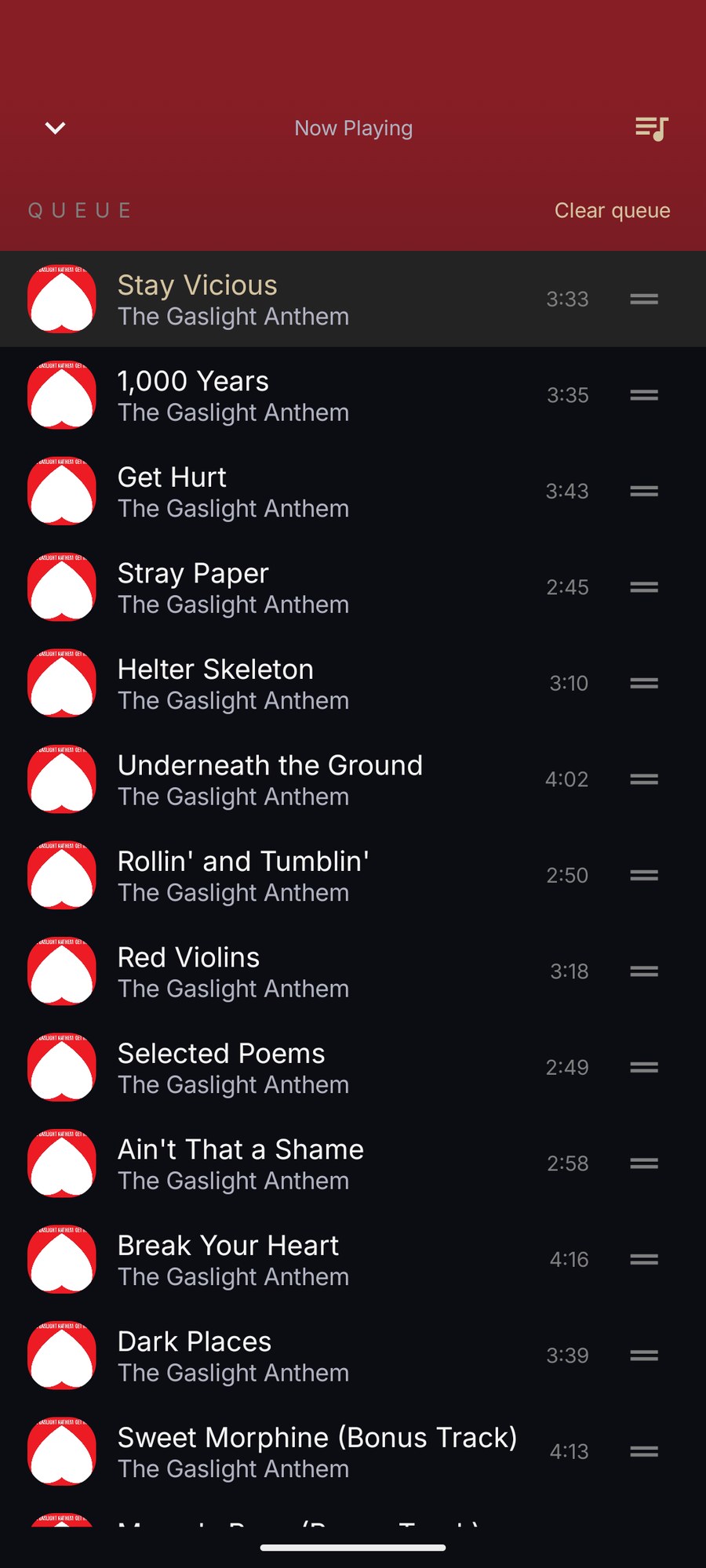
- A queue you can reorder, with play next, shuffle and repeat.
- Plays Apple Lossless files with Kanora’s own decoder.
- Gapless playback for files that carry gapless information.
- Remembers your place in audiobooks and other spoken word.
Browsing
- Artists, albums, tracks, playlists, collections and spoken word.
- Shelf and Cover Flow album views.
- Search the library you are looking at.
Playlists and stats
- Create and edit playlists and collections on the phone, including three automatic playlists.
- Export playlists as .m3u8 files.
- Listening stats, play history and track details.
Looking after it
- A library health screen and a list of duplicates.
- Back up the library to a .kanora file and restore it. The backup holds the library’s details, not the music files.
Shelf and Cover Flow, on Android too.
The same album views as the Mac and iPhone apps: a shelf of spines with an A to Z index, and Cover Flow for flicking through covers.
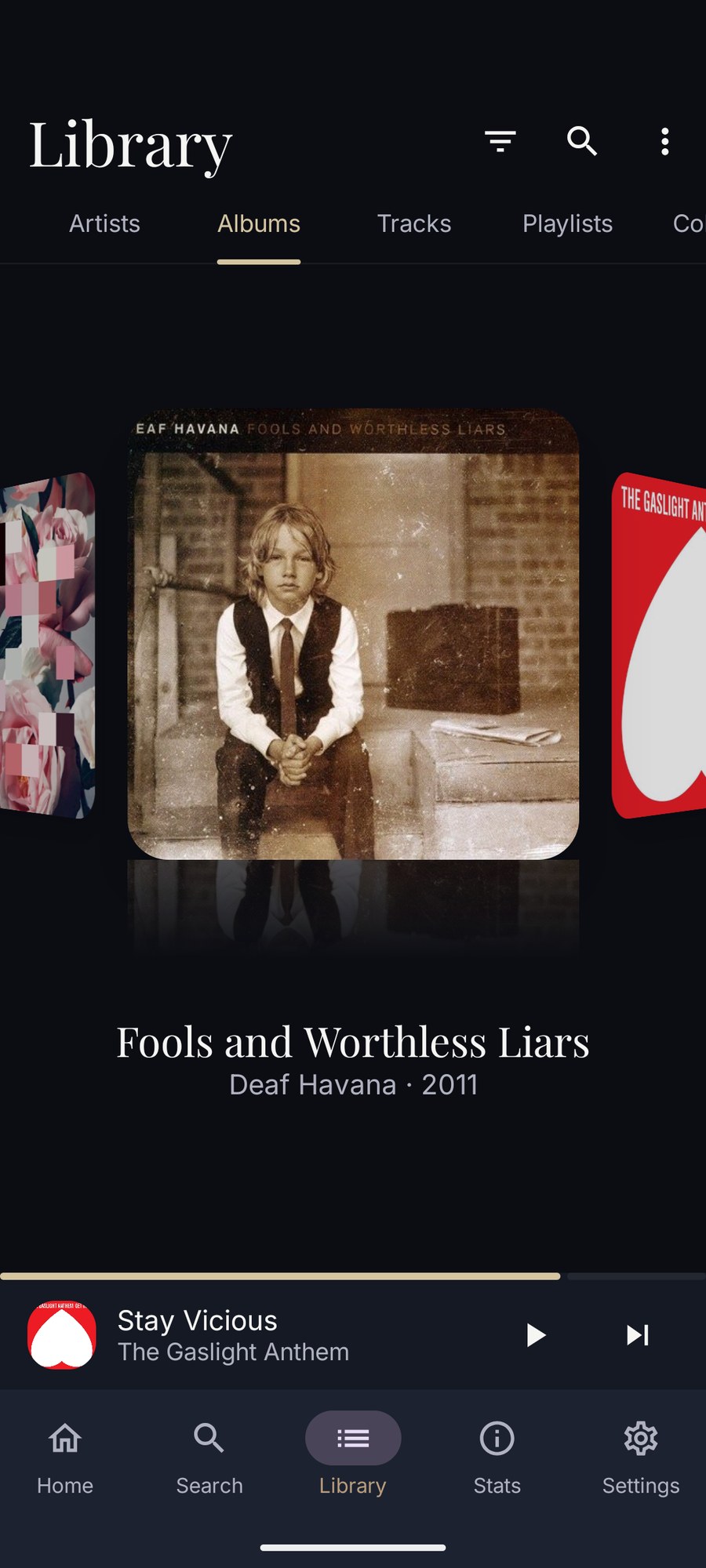
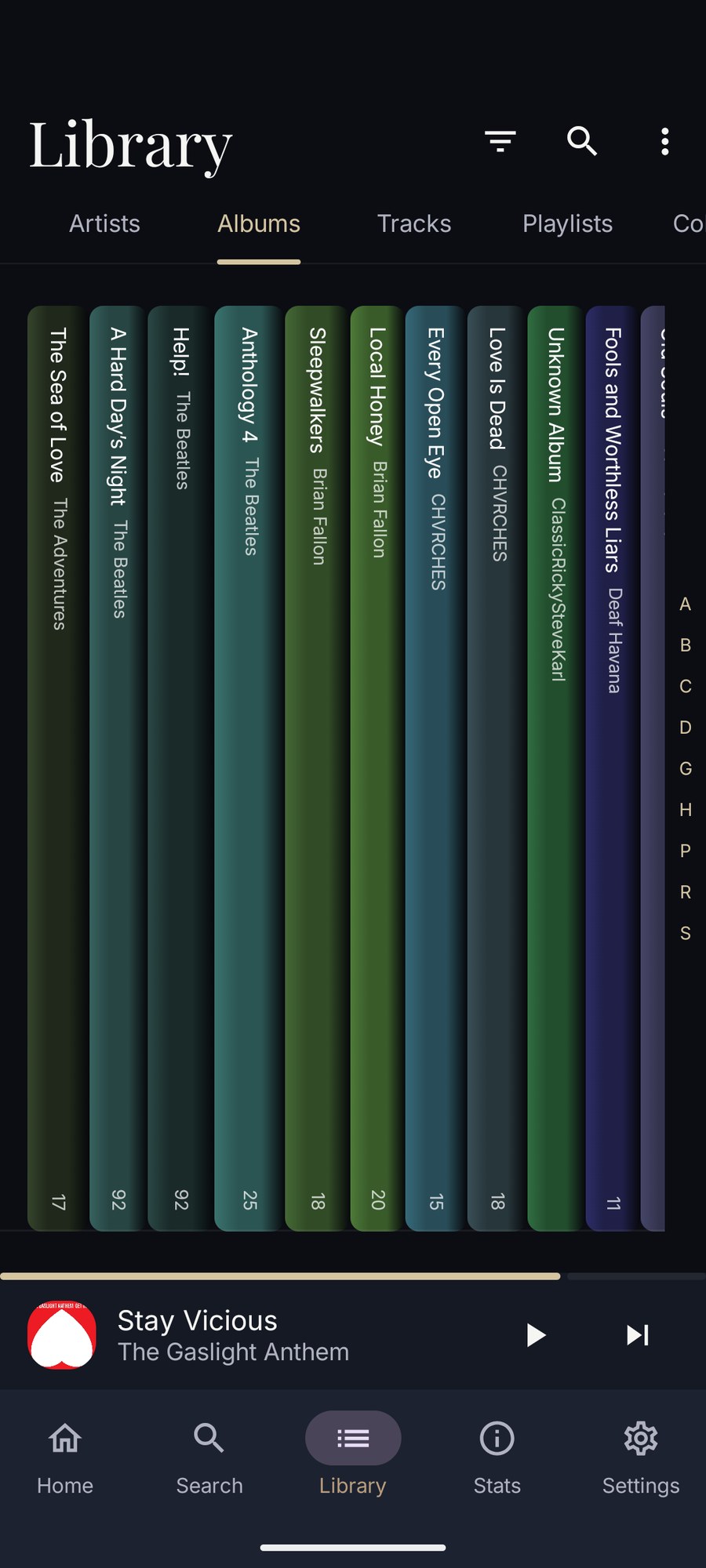
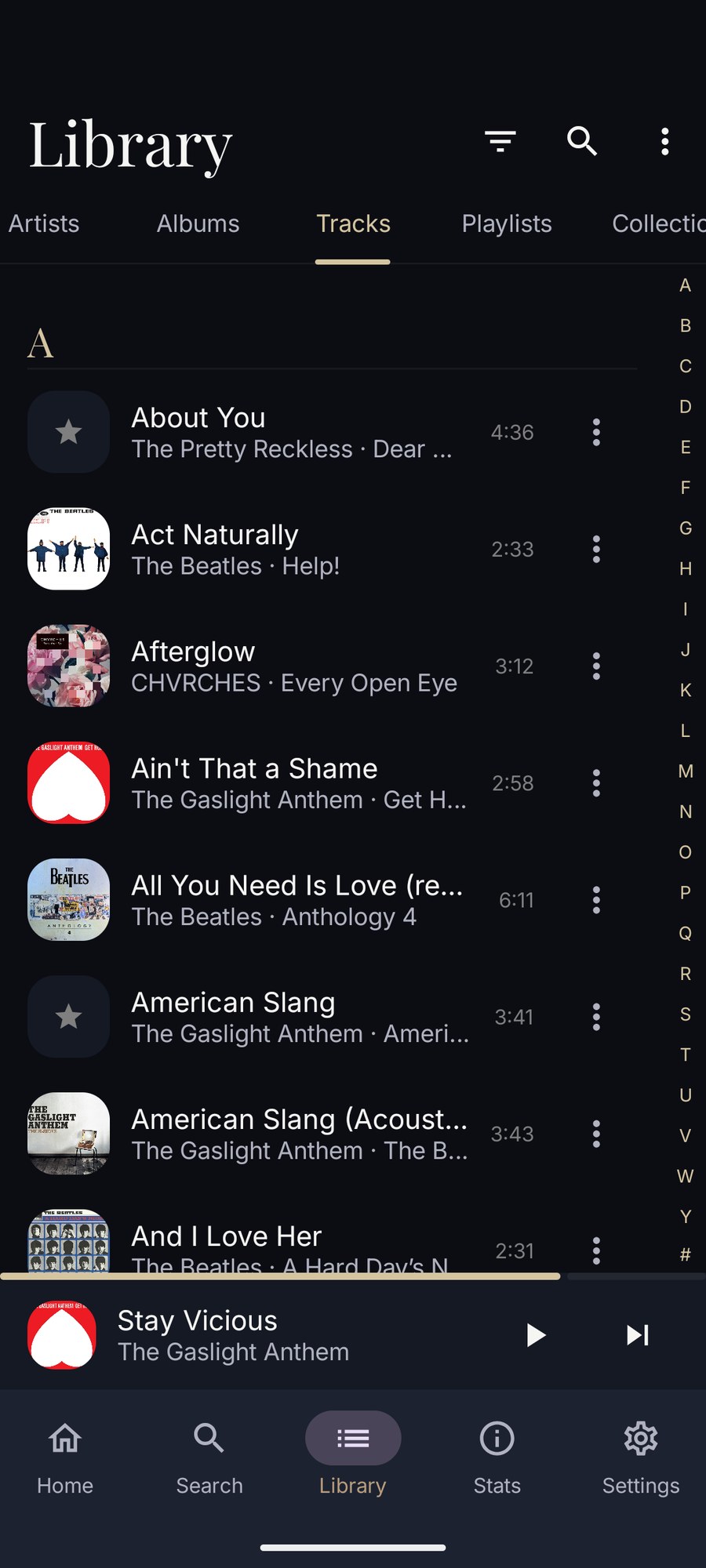
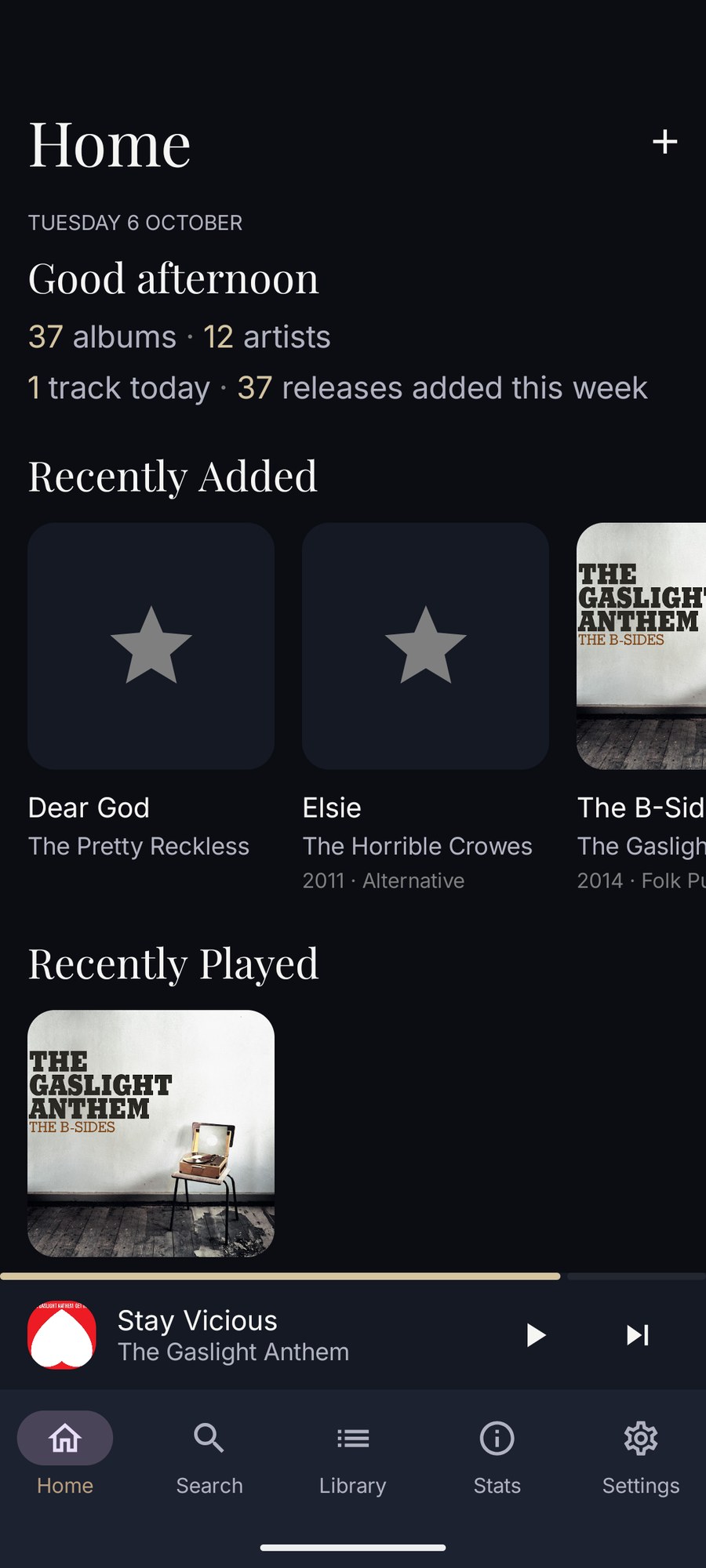
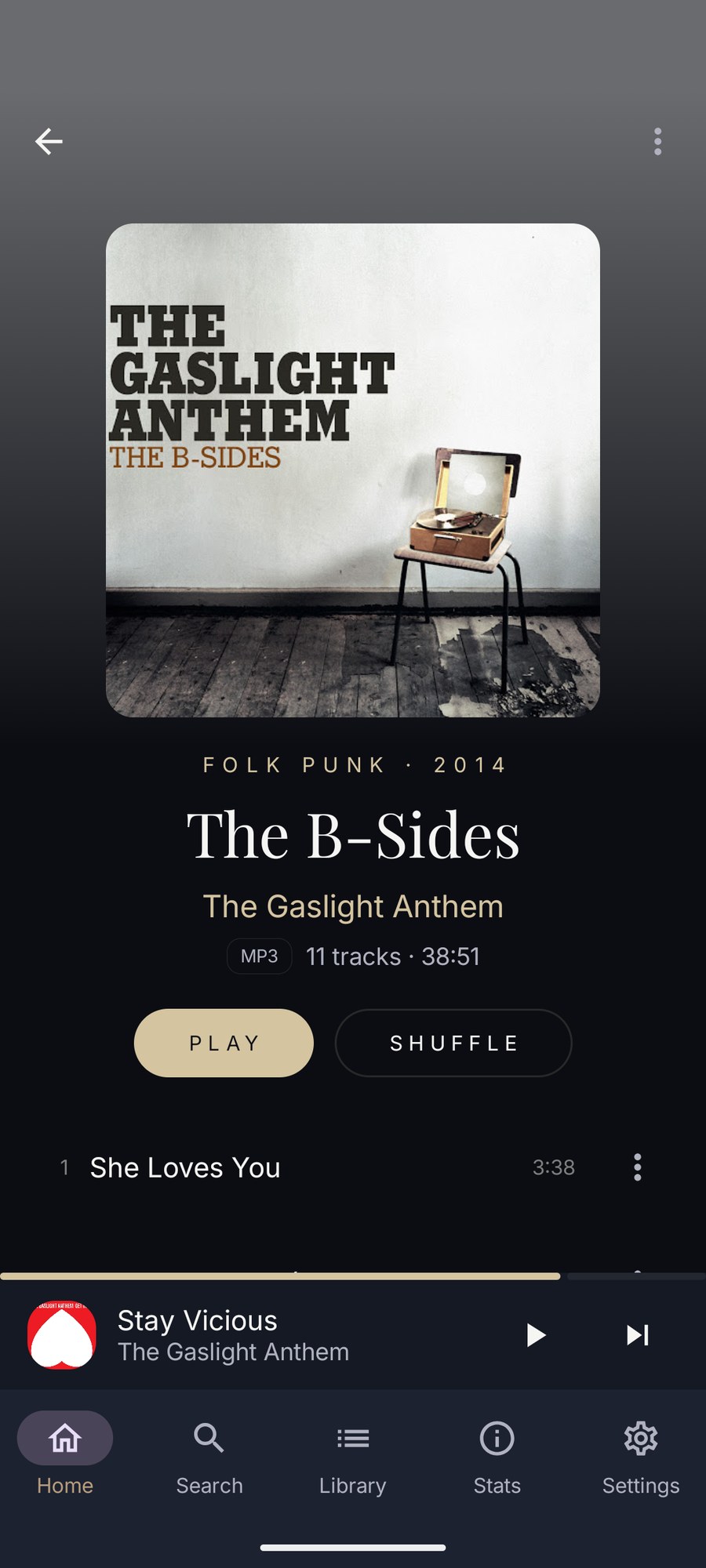
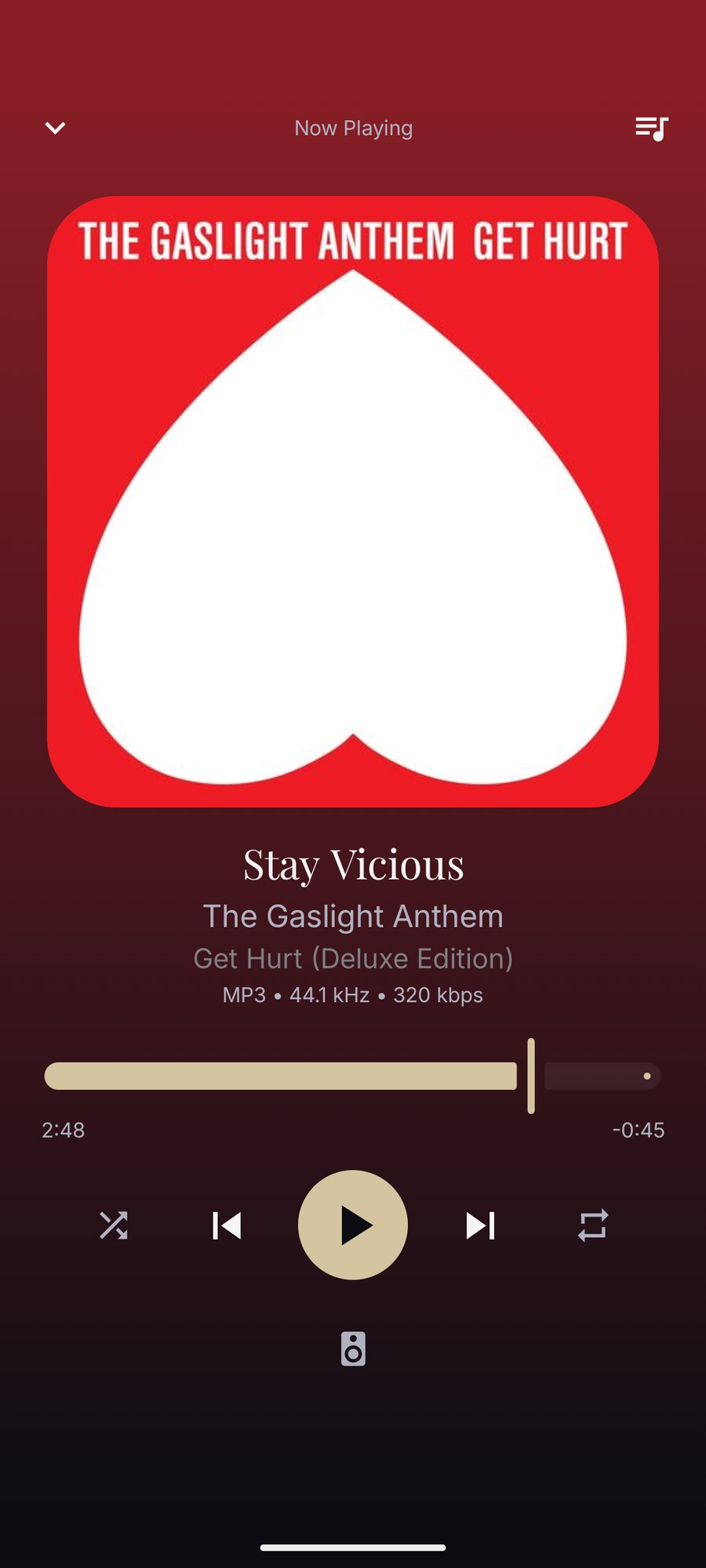
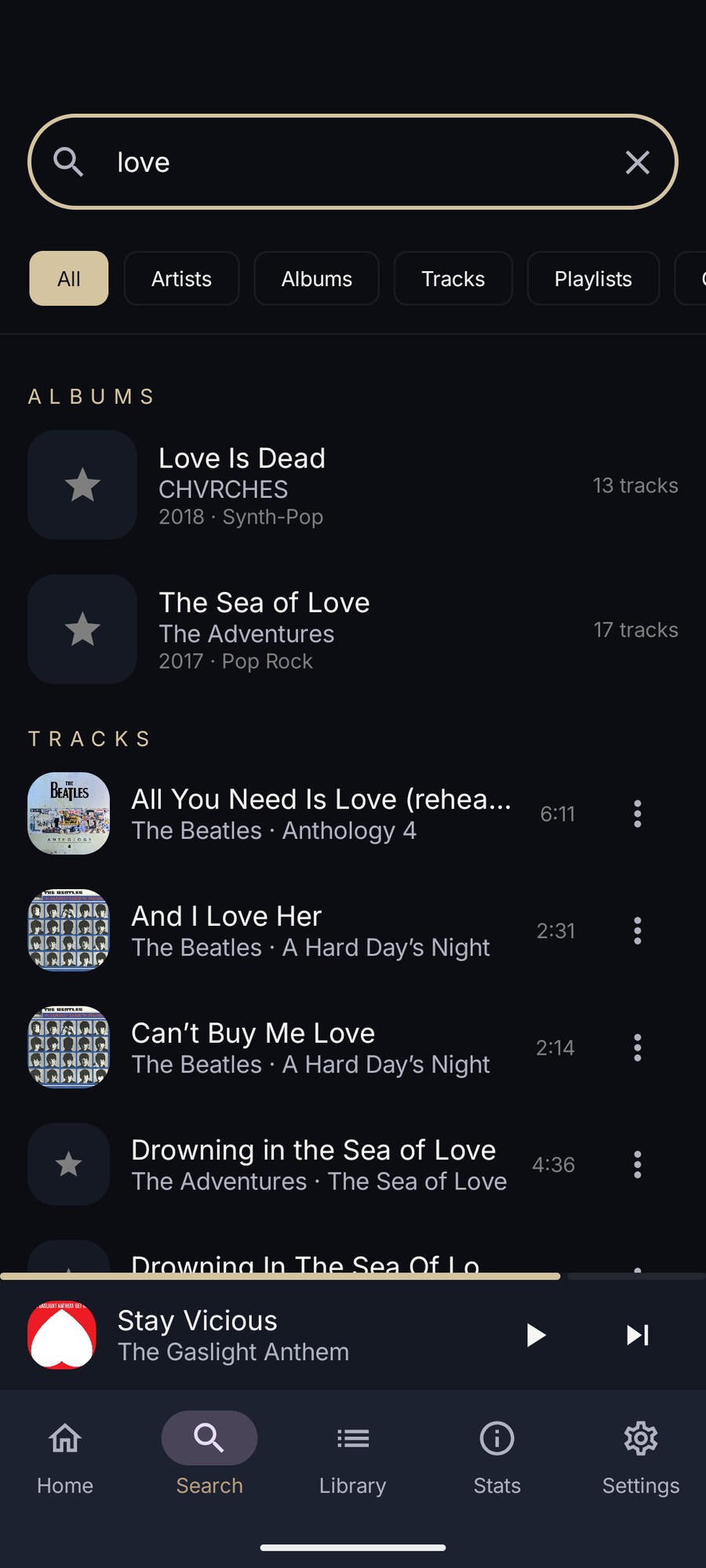
More of what it looks like today.
Screenshots of the current build. Details may change.
What it doesn’t do yet.
Better to read it here than find out after you install it.
- There is no Android Auto or Wear OS app.
- It cannot play a library from a USB drive in place.
- It cannot send audio to DLNA speakers or Chromecast.
- It cannot control what the Mac is playing, or stream the Mac’s library away from home.
- The Mac’s playlists are read-only on the phone.
- No recording or CD ripping. Those are Mac jobs.
- The tablet layout has only been tested on an emulator so far.
The features behind it.
Kanora on your other devices.
Mac
Apple Silicon and Intel Macs
Where the library lives: rip CDs, record vinyl, fix the details, and share it with your other devices.
iPhone & iPad
iPhone, iPad and CarPlay
A library of your own on the device, the Mac’s whole collection at home, and your albums in the car.
Apple Watch
Apple Watch, with an iPhone
Control the iPhone from your wrist, or sync music to the Watch and play it there.
Apple TV
Apple TV, with a Mac
Browse the Mac’s library from the sofa, then play on the TV or let the Mac play to your hi-fi.