The centre of the collection.
Your music stays in ordinary folders you can see and back up. Kanora keeps a catalogue of it in a .kanora file inside the library folder, and can rebuild everything else from that file.
The Mac is also the host for the other Kanora apps. iPhone, iPad, Android and Apple TV pair with it over your home network using a short code, then browse and stream its library. Nothing goes through a Kanora server, because there isn’t one.
What you can do with Kanora for Mac.
Building the library
- Import files, and review them before they are copied in.
- Add folders and play them where they are. Kanora rescans them when it opens, or when you ask.
- Check a USB drive against your library. Kanora never writes to it.
- Back up the library’s details, stats and artwork to a .kanora file.
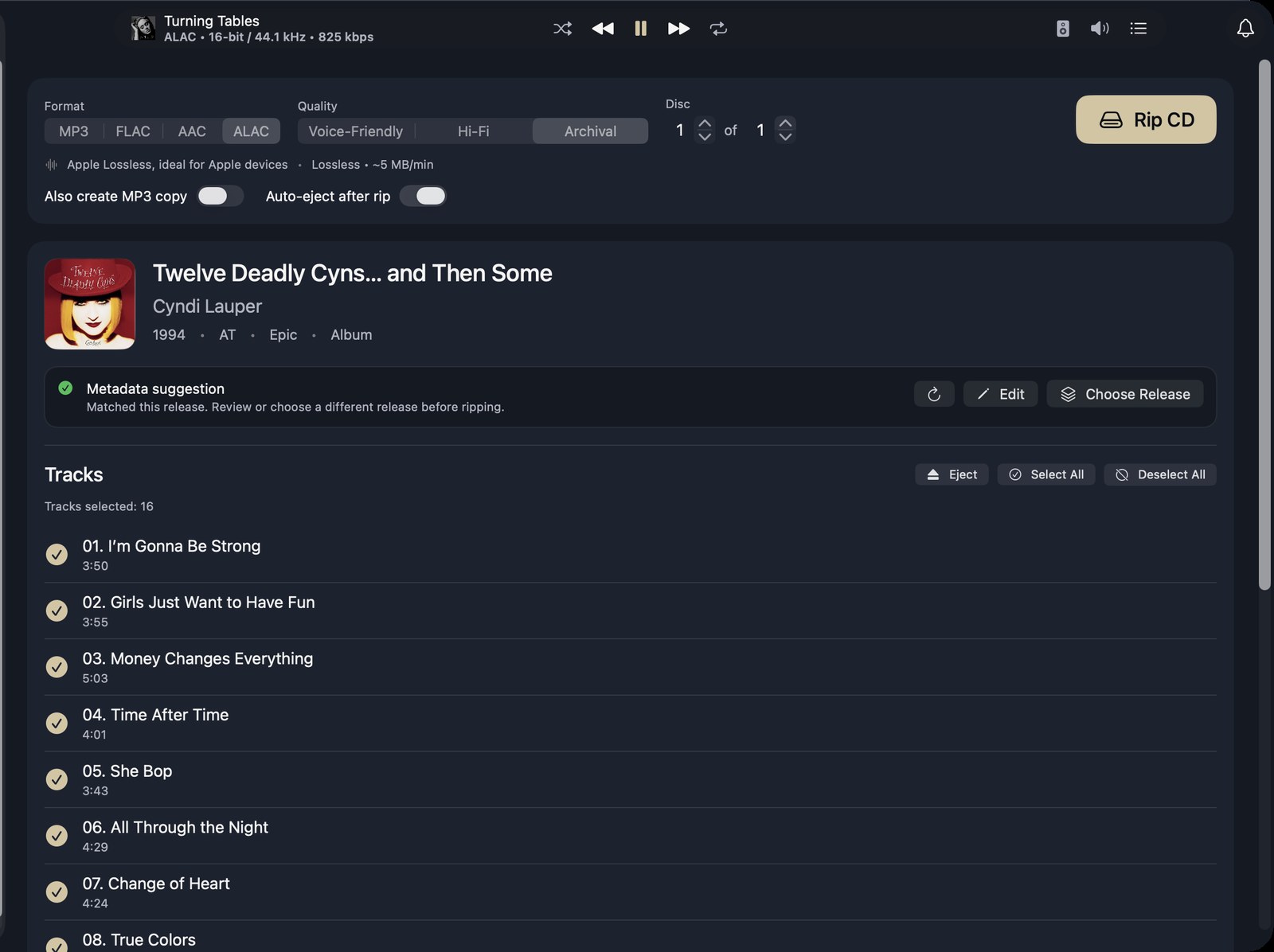
Ripping CDs
- Rips to FLAC, Apple Lossless, AAC or MP3, with an optional MP3 copy beside a lossless rip.
- Looks the disc up on MusicBrainz, with a fallback search when there is no exact match.
- Detects releases with more than one disc.
- Fetches cover art with the match.
- Re-reads scratched or dirty sections to correct errors as it goes.
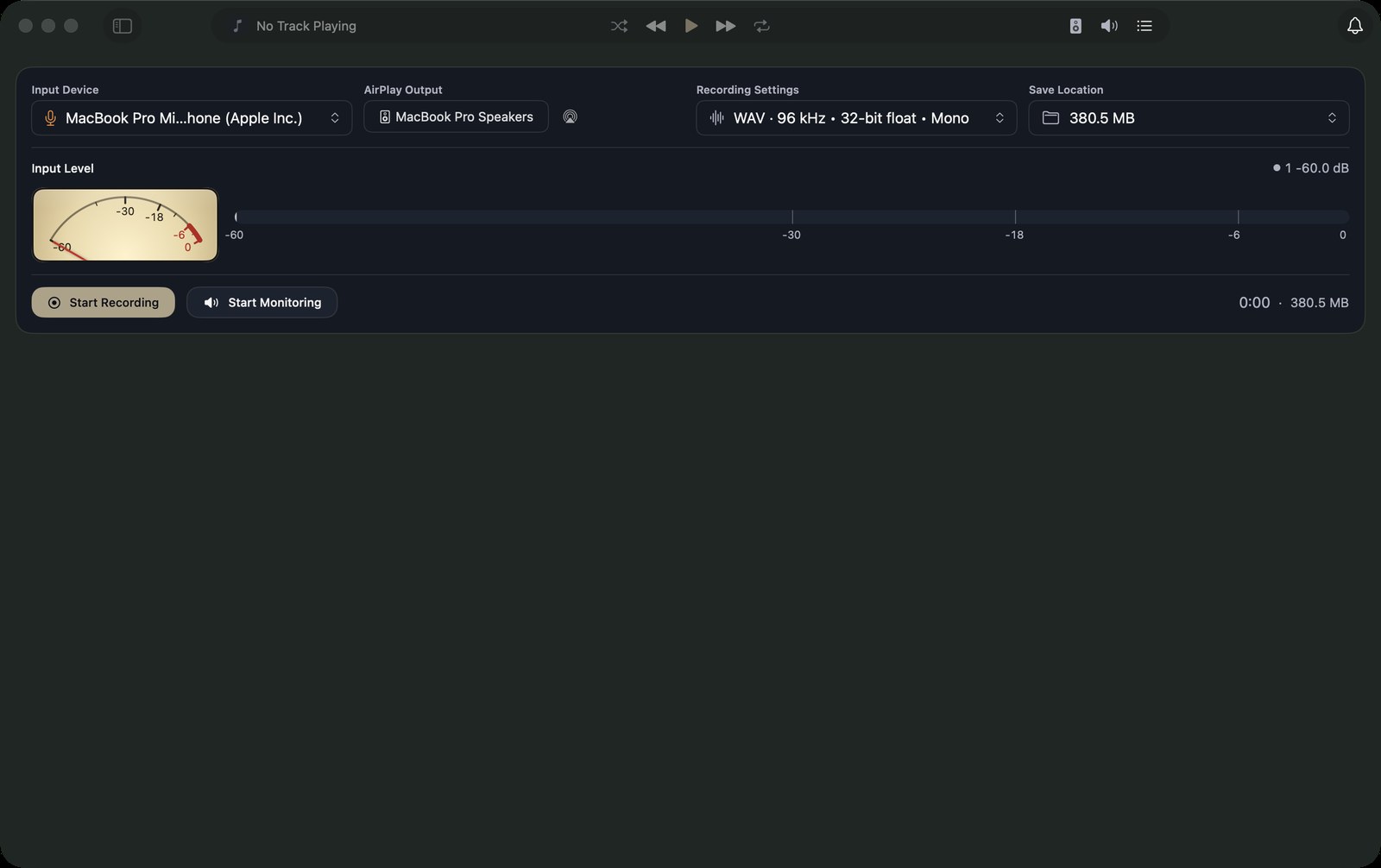
Recording
- Record vinyl, cassette, MiniDisc, reel-to-reel or radio, across as many sides as you need.
- Kanora suggests where the tracks split. You check them against the waveform and confirm.
- Add the release details afterwards, with a MusicBrainz lookup.
- A recording survives a crash and can be recovered. Recordings are saved as WAV or CAF files.
Details and artwork
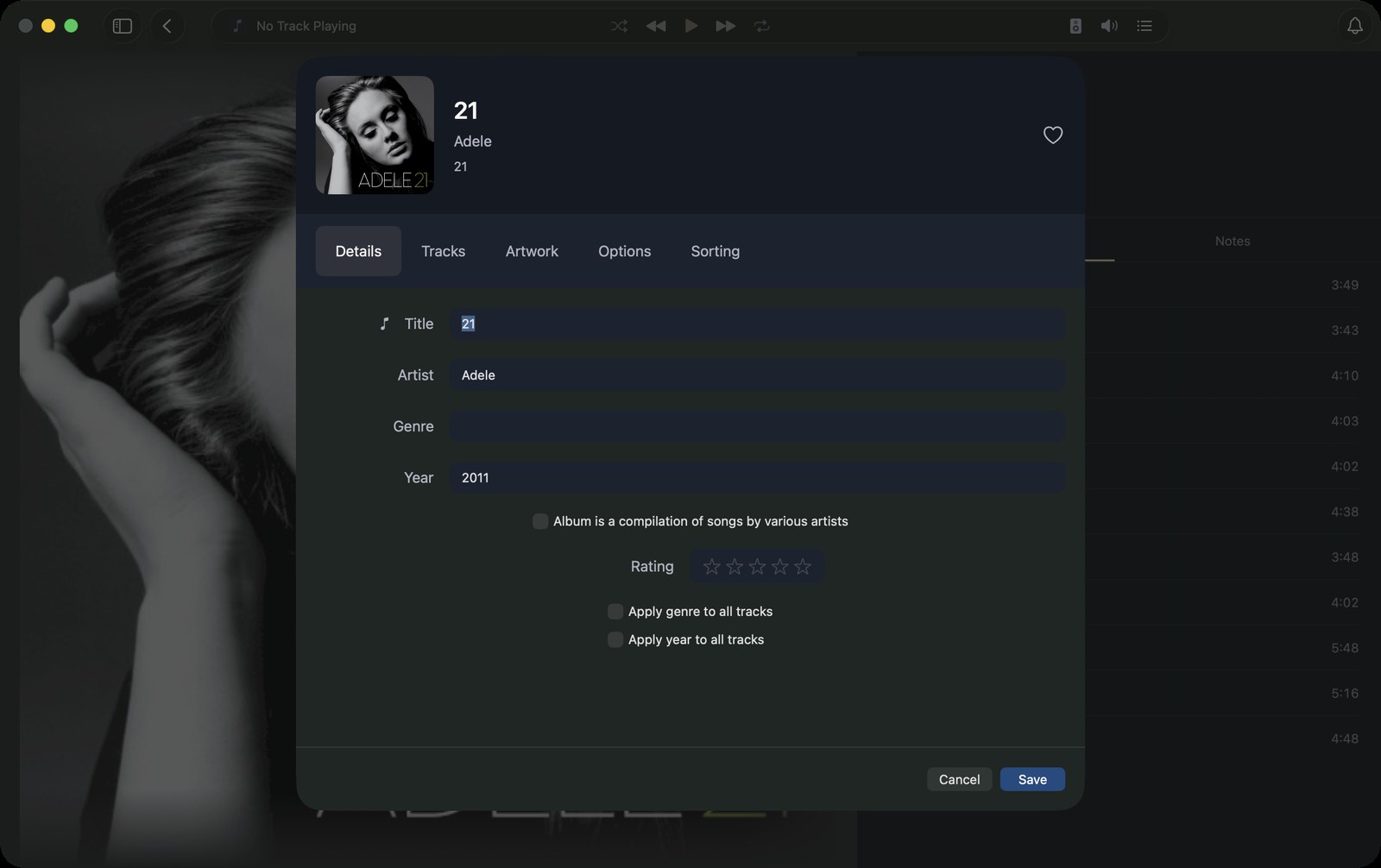
- Edit tracks, albums and artists, one at a time or in bulk.
- Fetch missing artwork, or fetch it again from MusicBrainz.
- Find duplicates and missing tracks, and relink files that have moved.
- Export tracks, albums or playlists as MP3, FLAC, AAC or Apple Lossless.
Listening
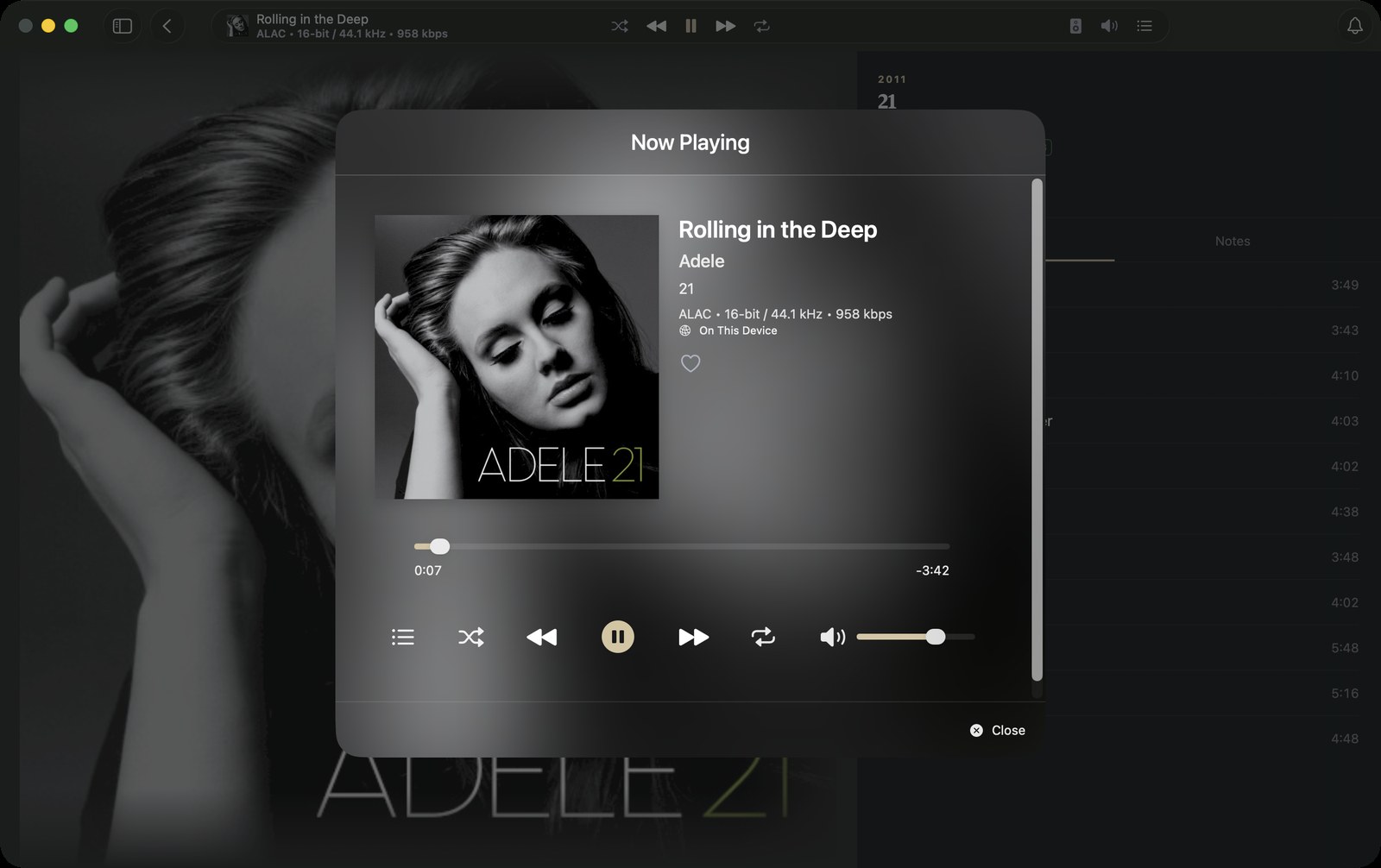
- Plays through the Mac, or to AirPlay speakers.
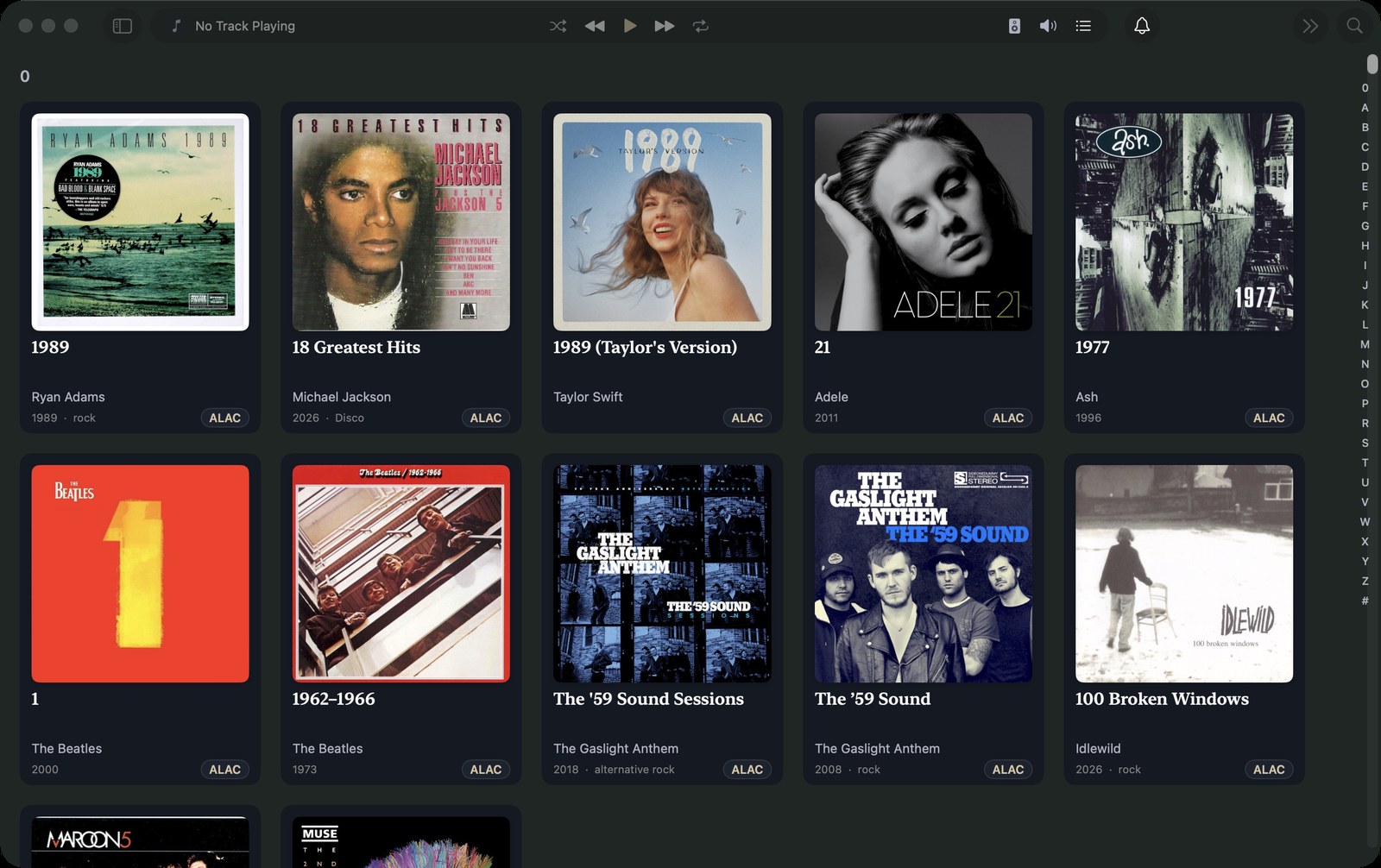
- Grid, list, Shelf and Cover Flow album views.
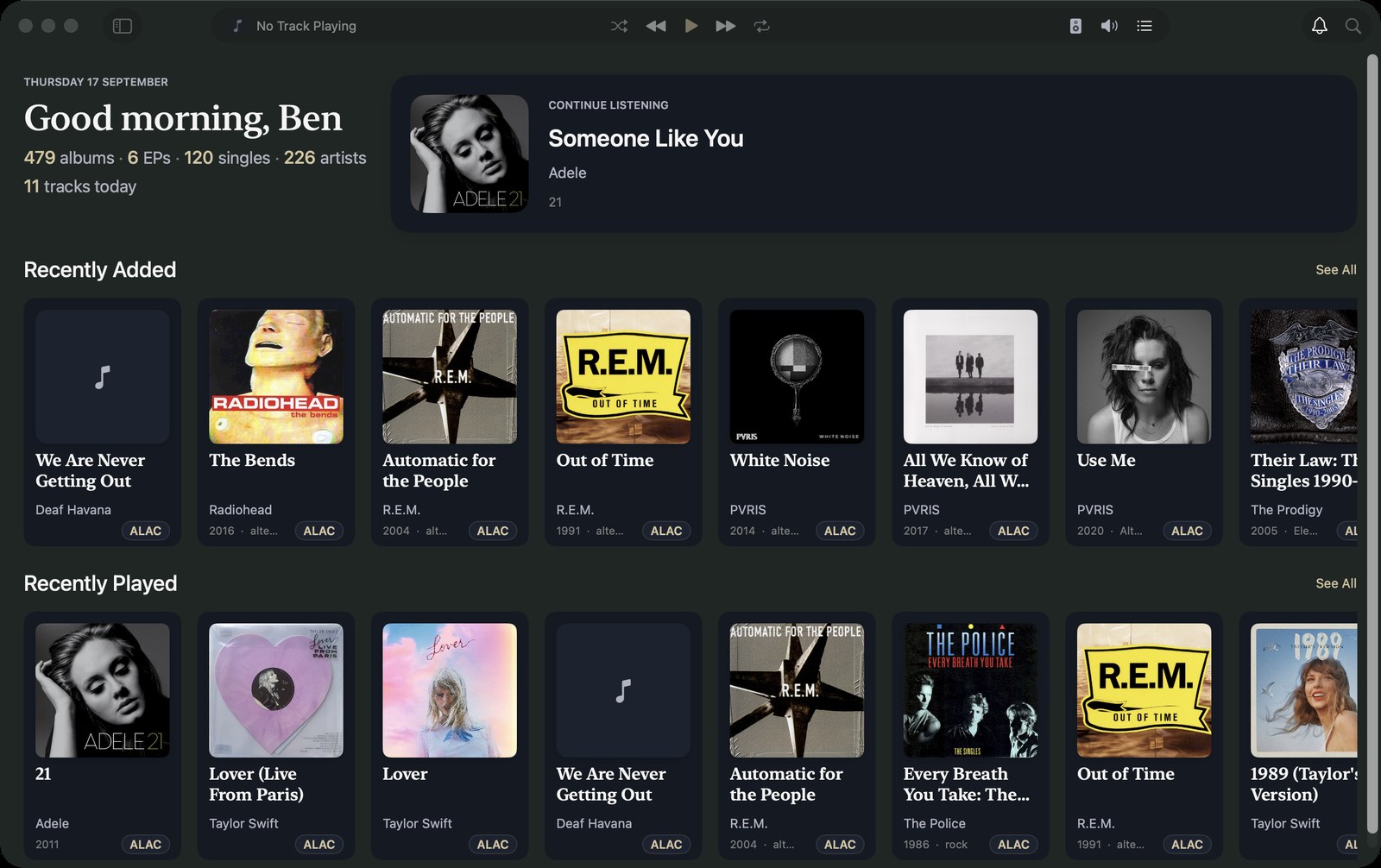
- Playlists and collections, plus Recently Played, Recently Added and Most Played.
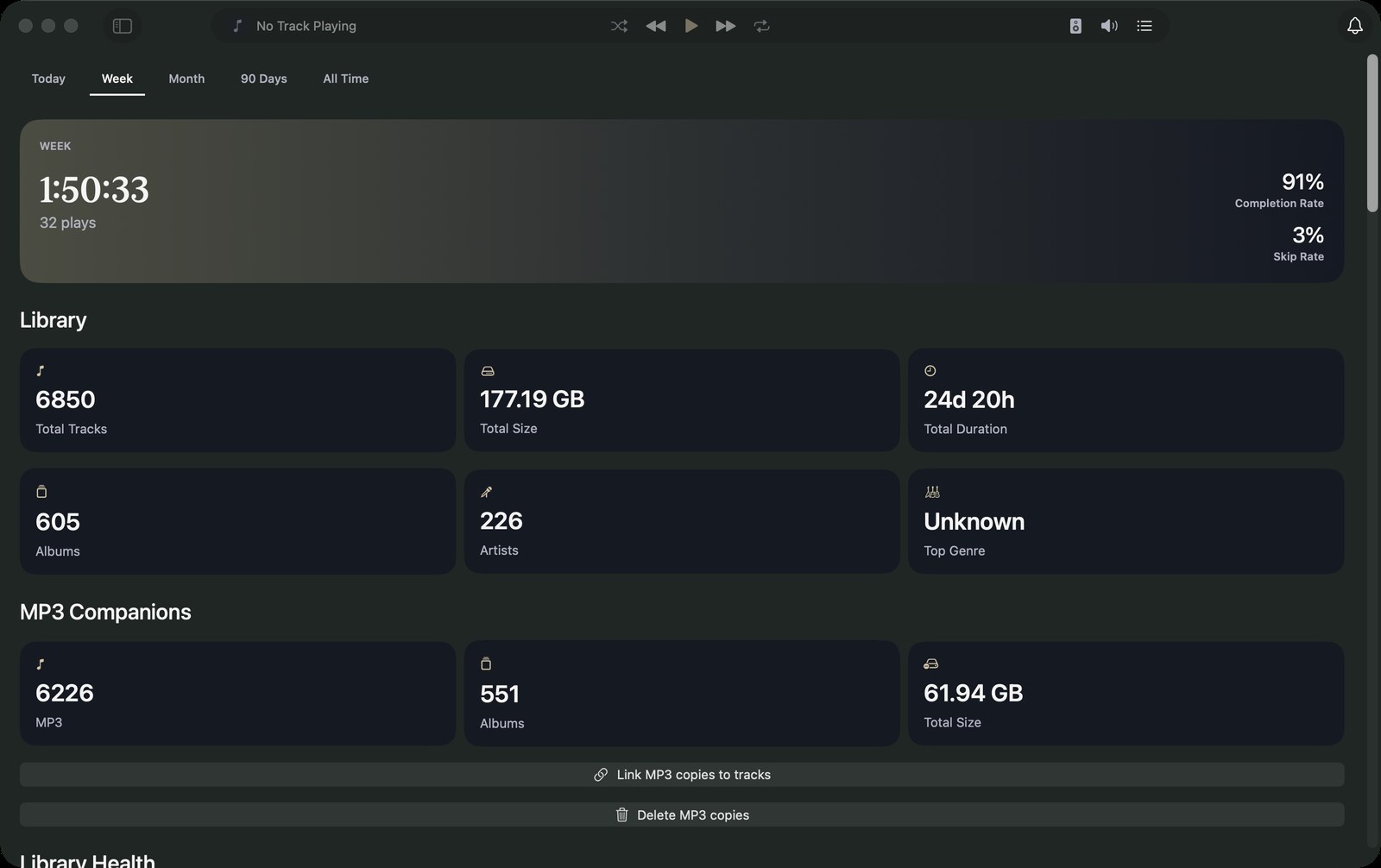
- Search across the whole library, and listening stats.
- Remembers your place in audiobooks and other spoken word.
Sharing with your other devices
- Pair an iPhone, iPad, Android phone or Apple TV with a short code.
- Paired devices browse and stream the library, and report what they play.
- Kanora for Android can also send albums to the Mac.
- See every paired device, and remove any of them.
Get the album right before anything is written.
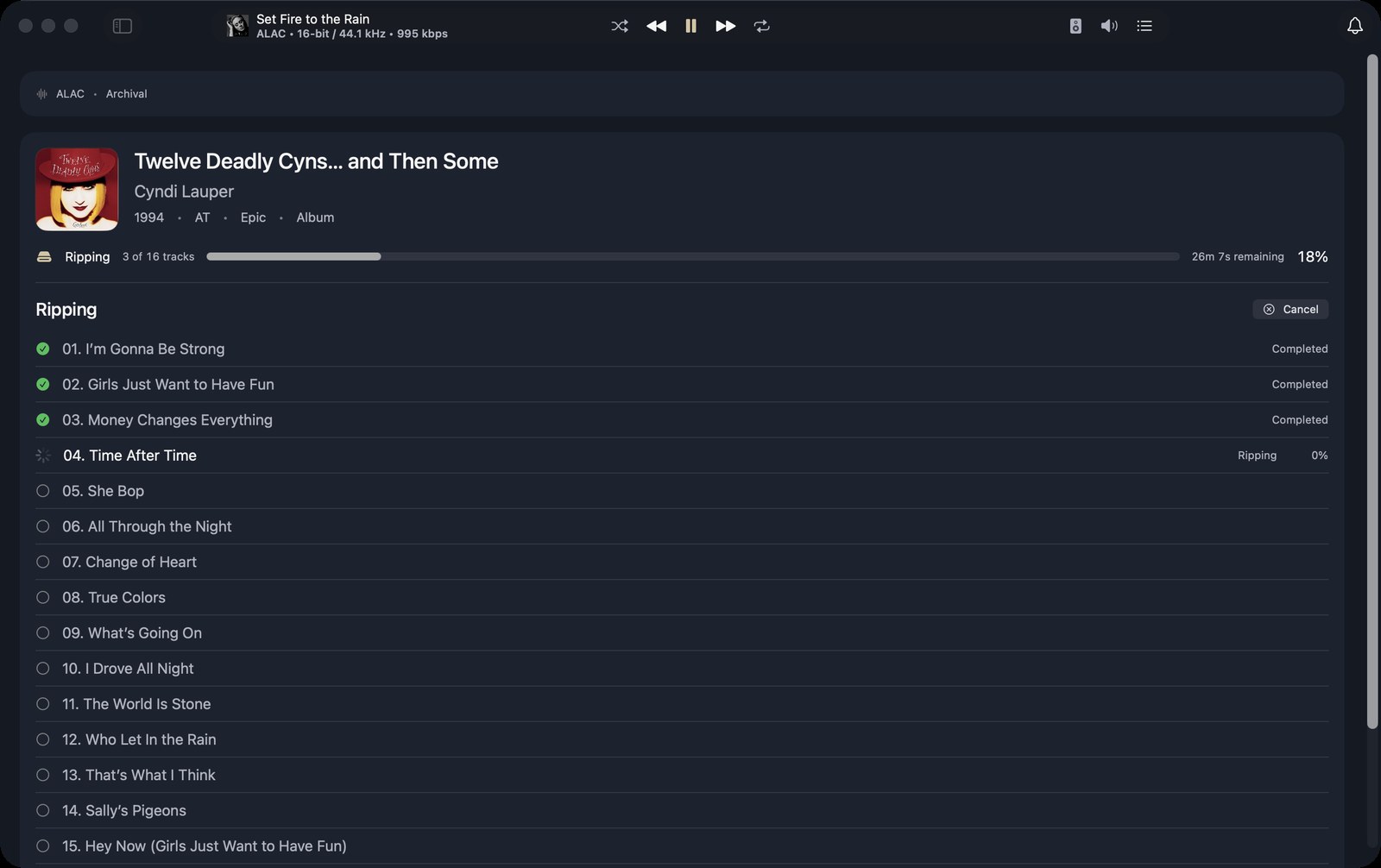
Put in a disc, pick the matching release, fix anything that needs it, then start the rip. Kanora writes the files into your library, tagged and with artwork.
Lossless or not is your choice, and a lossless rip can carry an MP3 copy for devices that need one.
Vinyl and cassette, into the same library.
Record a side, let Kanora suggest the track splits, check them against the waveform, then add the release details. The result sits beside your rips and files.
More of what it looks like today.
Screenshots of the current build. Details may change.
What it doesn’t do yet.
Better to read it here than find out after you install it.
- Edits stay in Kanora’s library. Writing changed tags back into your original files is not built yet. Rips, MP3 copies and exports are tagged.
- No gapless playback, crossfade or ReplayGain.
- No bit-perfect or sample-rate-matched output.
- No AccurateRip check on rips.
- DLNA and AllPlay speaker support is in development, and off unless you turn it on.
- Recording is in development. Track-split suggestions have not been tested on real vinyl yet.
- Your other devices reach the Mac on your home network only. Listening away from home is not built yet.
- One library per Mac.
The features behind it.
Kanora on your other devices.
iPhone & iPad
iPhone, iPad and CarPlay
A library of your own on the device, the Mac’s whole collection at home, and your albums in the car.
Apple Watch
Apple Watch, with an iPhone
Control the iPhone from your wrist, or sync music to the Watch and play it there.
Apple TV
Apple TV, with a Mac
Browse the Mac’s library from the sofa, then play on the TV or let the Mac play to your hi-fi.
Android
Android phones
A library of your own on the phone, and your Mac’s whole collection over your home network.